Affiliate Disclosure: This post contains affiliate links. If you buy through these links, we may earn a small commission at no extra cost to you. We recommend only products we believe add real value. Thanks for supporting our work.
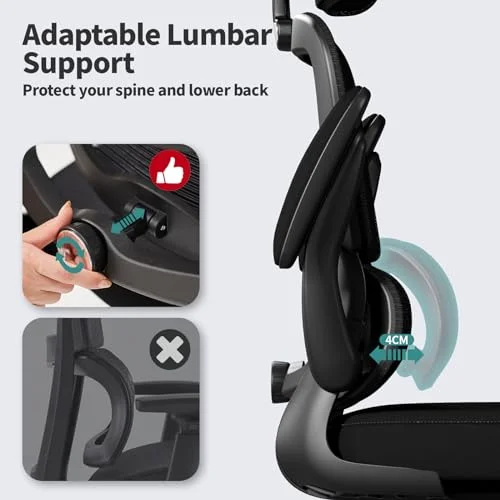
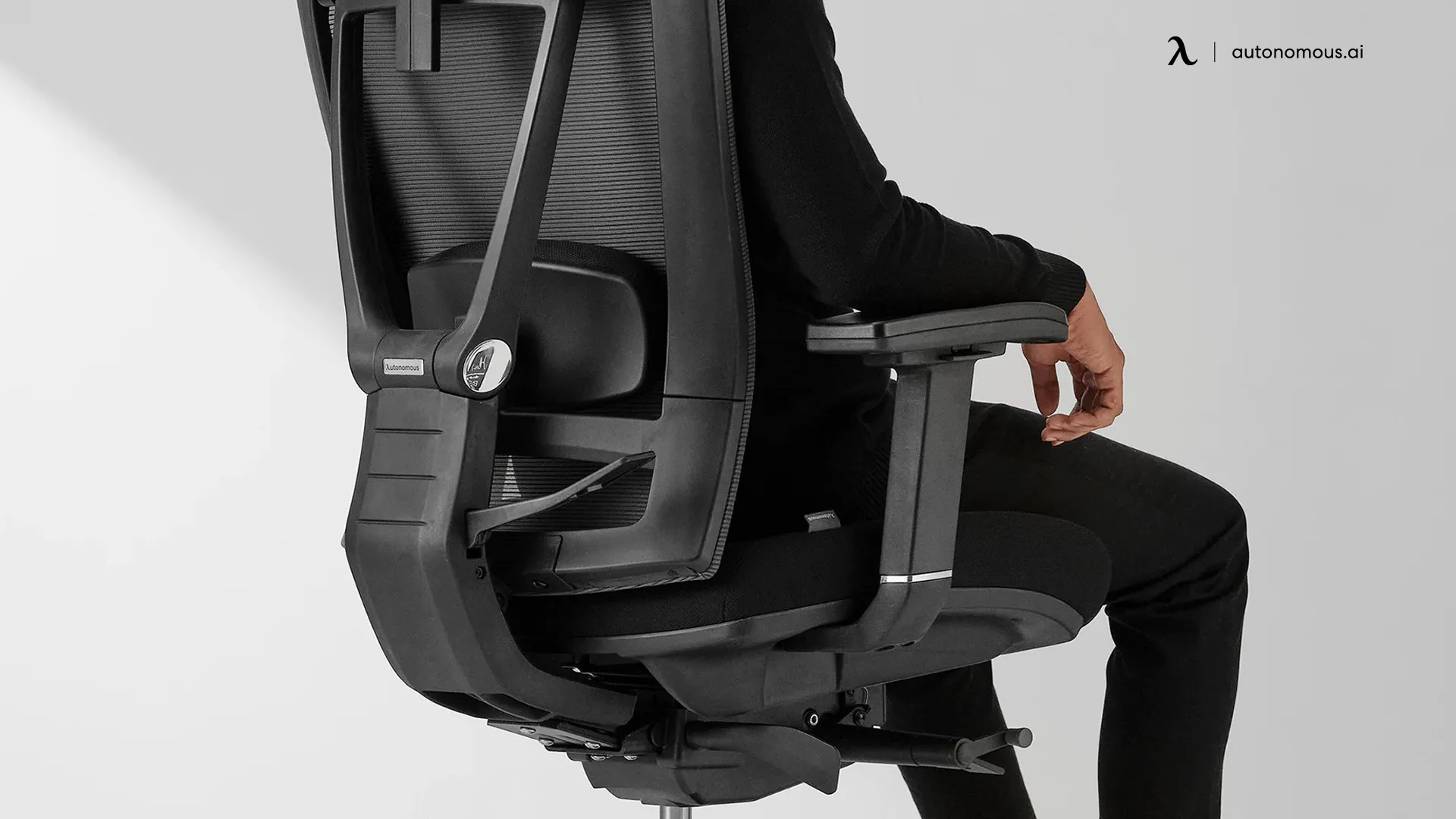
To use lumbar support correctly, place it at the curve of your lower back—just above belt level. Adjust the height and depth so it gently fills the natural arch without pushing you forward. Your hips should rest against the backrest.
Back pain relief chair steals focus. It slows your day. The good news: a small tweak can help fast. Most people set lumbar support chair in the wrong place. You can fix it in under a minute. Think of it as the 60-second fix for desk pain. Follow the simple belt-line rule below to stop wasting your chair’s best feature.

Why Your Lumbar Support Might Be Hurting You (Instead of Helping)
If your lower back aches more with support, the height is likely wrong. Too low, and the support presses your tailbone. That tilts your pelvis and strains your spine. Too high, and it jams your mid-back. That pushes your ribs forward and flattens your natural curve. Both errors force you to slump or perch on the seat’s edge.
Where Should Lumbar Support Actually Sit? (The Belt-Line Rule)
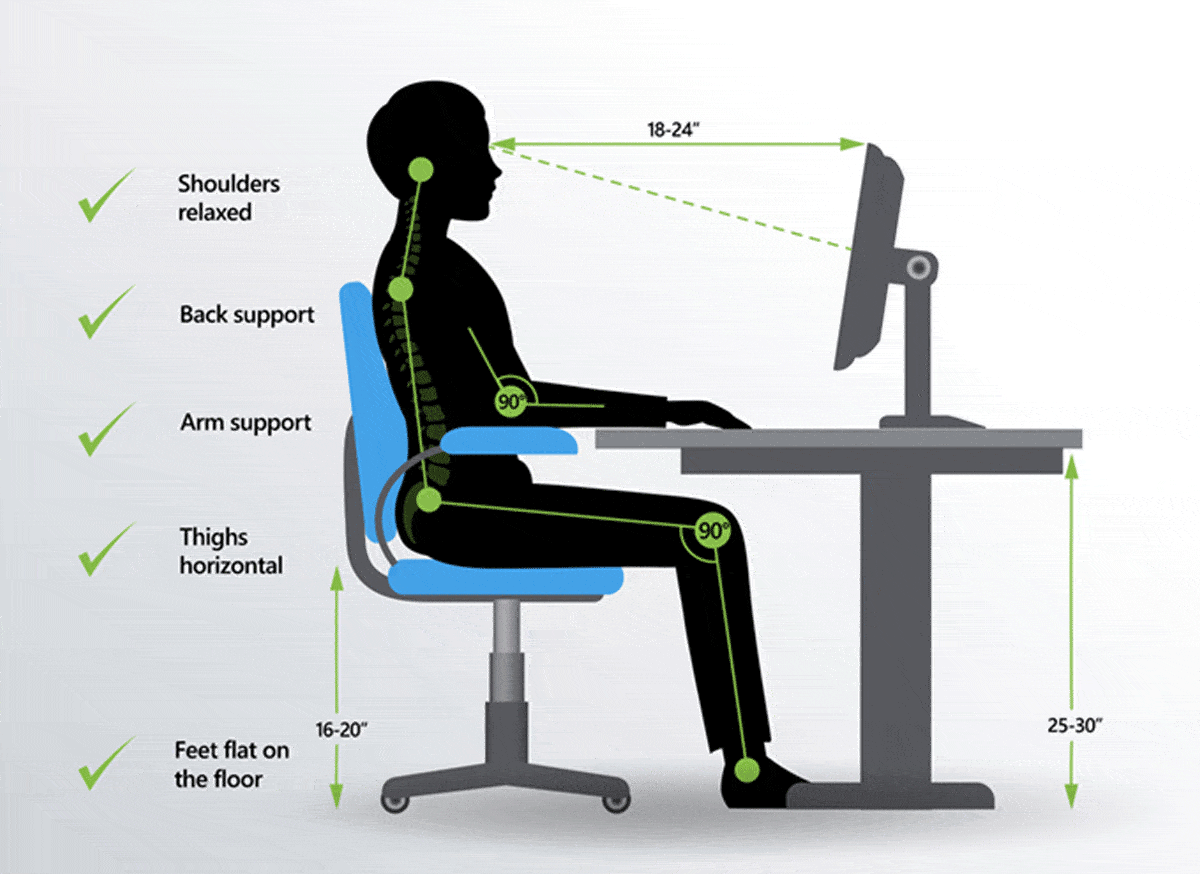
Use the simple belt-line rule. Sit tall. Find your belt line or where a belt would sit. Now place two fingers just above it. That spot is where your lumbar support should sit. It should match the small inward curve of your lower back. It should not lift your ribs or poke your tailbone. Think “fill the curve,” not “push the spine.” A gentle “held” feeling is right.
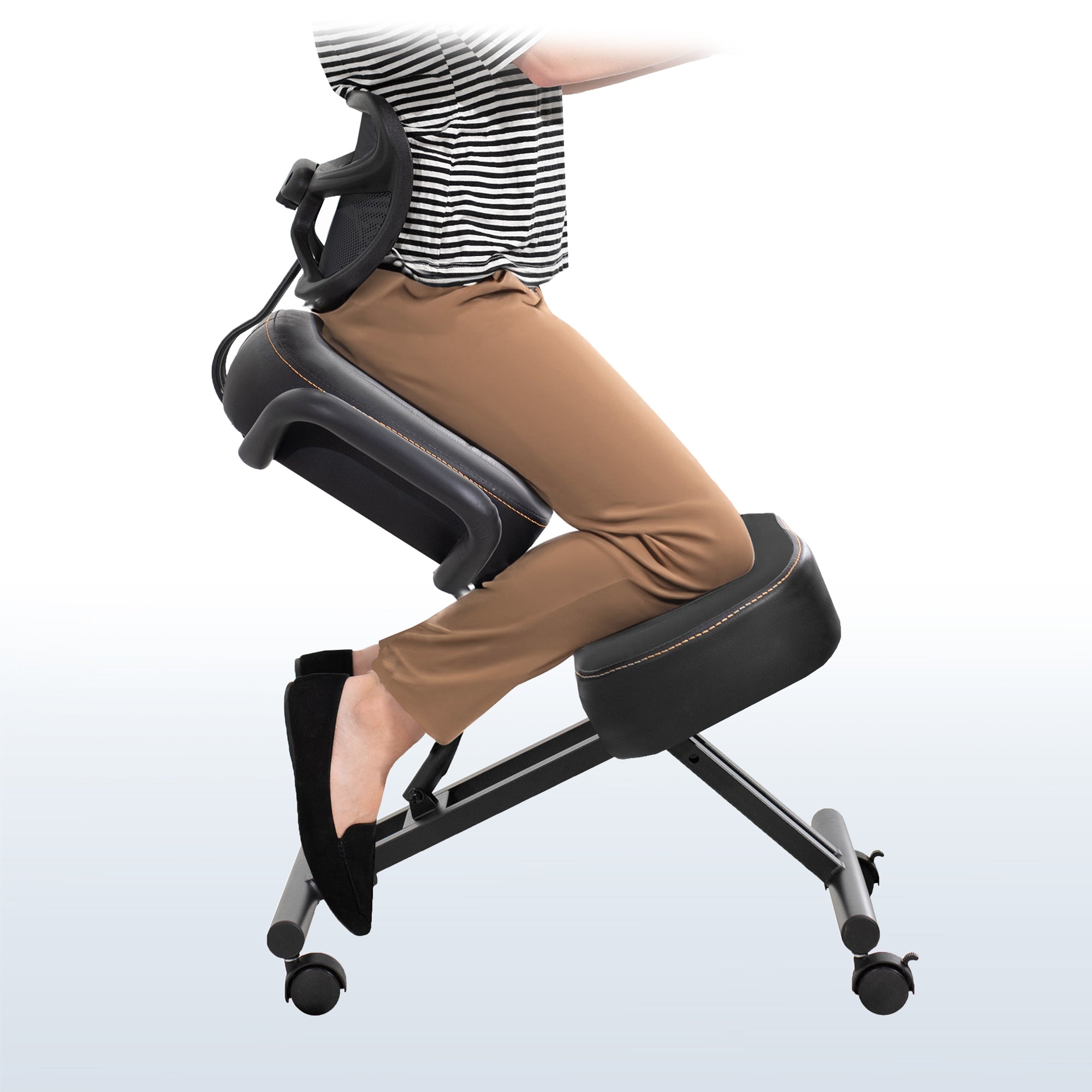
Bonus suggestion: Add a simple diagram next to your desk. Show the correct belt-line placement versus the two most common mistakes (too low on the tailbone and too high on the mid-back). A quick glance will remind you to set it right every time.
How to Adjust Lumbar Support in 60 Seconds
Here’s a fast, repeatable setup you can do once a day. It works for built-in or add-on supports.

- Sit all the way back in your chair
Slide your hips back until they touch the backrest. Keep your back against the chair. This sets your base and stops slumping. - Locate the lumbar adjustment knob or cushion
On most ergonomic chairs, there is a height slider or knob. Some have a movable pad or air pump. Find it before you start. - Raise or lower until it matches your natural lower back curve
Use the belt-line rule. Aim for just above your belt line. Move the support until it meets the small inward curve. Avoid pushing the support under your pelvis. - Adjust firmness or depth if available
Turn the knob or pump until the support “fills” the space. It should not shove you forward. Two to three clicks or pumps is often enough. Less is more when you start. - Check that your back feels “filled,” not pushed forward
You should feel gentle contact from your belt line to mid-lower back. If you feel pressure in your ribs or tailbone, reset the height. If you feel like you slide forward, reduce depth.
What If Your Chair Doesn’t Have Adjustable Lumbar? (The Pillow Fix)
No adjustable lumbar? Use a separate lumbar pillow or roll. Place it across your lower back using the same belt-line rule. Strap it to the backrest so it does not slip. If it slides, raise the strap or tighten it more. Choose a pillow that is not too thick. A firm, slim shape often supports better than a big soft one. Keep it wide enough to support both sides of your spine. Avoid placing it on the seat or under your hips. That strains your tailbone and can cause numbness.
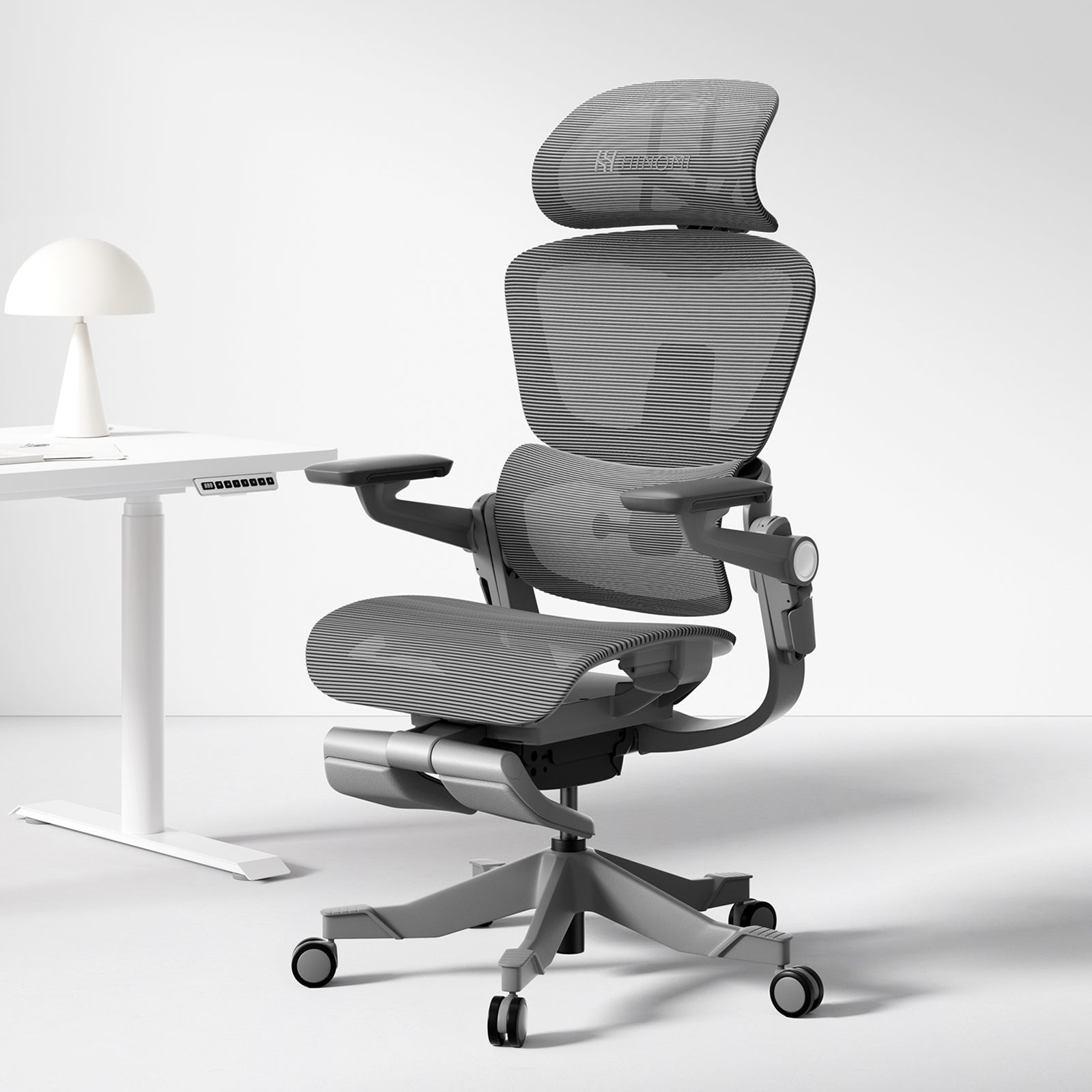
3 Signs Your Lumbar Support Is Set Wrong
A quick self-check can save you hours of discomfort.

- You feel like you are sliding forward
- Your lower back still feels hollow or empty
- You find yourself sitting on the edge of the seat
If you notice any of these, revisit the belt-line rule and reduce depth.
How to Test If Your Setup Actually Works
Do a two-minute test. Sit back, place your feet flat, and type a short email. Do you forget about your back? If yes, it is working. If you keep shifting or fidgeting, something is off. Lower or raise the support a finger-width. Try again. Two or three small tweaks often make the difference. Your goal is calm, steady support you stop noticing.

Best Lumbar Support Options (If Yours Isn’t Enough)
If your current setup still falls short, try one of these picks. We selected options that are easy to adjust and work for most body types. Links below are affiliate links.
🥇 Everlasting Comfort Lumbar Support Pillow
The Everlasting Comfort Lumbar Support Pillow is one of the most popular choices for office chairs. It uses high-density memory foam that molds to your lower back and keeps its shape even after long use. The dual adjustable straps help it stay firmly attached to your chair, so it doesn’t slide while you move. It’s designed specifically to support the natural curve of your lower spine and reduce slouching. This makes it ideal for long desk work, studying, or gaming. If you want a reliable, beginner-friendly lumbar support for daily chair use, this is a safe and effective option.
🧠 Qutool Lumbar Support Pillow (Double Strap Design)
The Qutool Lumbar Support Pillow is a strong, firm-support option designed for people who sit for long hours. It features high-density memory foam that provides deeper back support compared to softer cushions. What makes it stand out is the double adjustable strap system, which keeps it tightly secured to almost any chair—office, gaming, or study chairs. The ergonomic contour follows the natural curve of your spine and helps improve posture over time. It’s especially useful if your current chair lacks proper back support and you need a more structured, stable feel.
🛡️ Ergonest Lumbar Support Cushion (Chair-Friendly Design)
The Ergonest Lumbar Support Cushion is designed specifically for long sitting sessions on office and study chairs. It uses supportive memory foam and a breathable cover, making it comfortable even in warm environments. The adjustable strap allows you to attach it securely to different types of chairs, ensuring proper positioning at your lower back. It helps maintain the natural spine curve and reduces pressure during extended sitting.
Quick Setup Checklist
Run this visual checklist each morning. It takes less than 30 seconds and locks in good posture without effort.

Check price on Amazon
- Feet flat on the floor or a footrest
- Hips all the way back against the backrest
- Lumbar “filled” at or just above belt line
- Shoulders relaxed, elbows near your sides
- Screen at eye level so you are not peering down
Frequently Asked Questions
- Should lumbar support be firm or soft?
Aim for “gentle but present.” Too soft collapses and does nothing. Too firm shoves you forward and tires your back. Start on the lighter side. Add a little depth only if your lower back still feels hollow. - Can lumbar support fix my posture permanently?
It helps you sit better with less effort, but it is not a cure-all. Think of it as a guide rail. Pair it with a good chair setup, breaks, and light movement. Over time, your body will find the right shape with less strain. - Why does lumbar support hurt at first?
If you have slumped for months, a better position can feel odd. It should not feel sharp or jammed. Ease into it. Set it low on depth, right on height. Give it a few days with short breaks. If pain stays, reduce depth again.
Ready for the 60-second fix? Slide your hips back, set the support at your belt line, and add just enough depth to fill the curve. You will feel steadier right away. Then explore our ergonomic chair guide, footrest picks, and posture tips to fine-tune your full setup.