

Choose an ergonomic office chair by matching key adjustments to your body’s measurements.
You sit for hours. Your chair should carry that load, not your spine. In this guide on how to pick ergonomic office chair, I combine hands-on setup experience with research-backed principles. You will learn the features that matter, how to fit a chair to your body, and what to avoid. By the end, you will know exactly how to pick ergonomic office chair with confidence and care.

Source: humanscale.com
Ergonomics 101: What Makes a Chair Truly Ergonomic
An ergonomic chair supports your natural posture and encourages movement. It should keep your ears, shoulders, and hips in line while letting you change positions. Healthy sitting is dynamic. Small shifts reduce pressure and improve blood flow.
Three pillars define a good ergonomic setup. Neutral joints, even pressure, and easy adjustability. When you know how to pick ergonomic office chair, you look for features that help you sit tall, breathe well, and stay focused without strain.
Source: internationalcompetitionnetwork.org
The Essential Adjustments Checklist
A great chair offers precise control. Look for these core adjustments and test each one. This is the heart of how to pick ergonomic office chair.
- Seat height: Feet flat, knees at about 90–100 degrees.
- Seat depth: Two to three fingers between the seat edge and your calves.
- Lumbar support: Height and depth adjust to fill your lower back curve.
- Backrest recline: Smooth tilt with lock and variable tension.
- Synchro tilt: Back and seat move together to open the hip angle.
- Armrests: Height, width, depth, and pivot (so-called 4D) to support forearms.
- Headrest: Optional; helpful for recline and taller users.
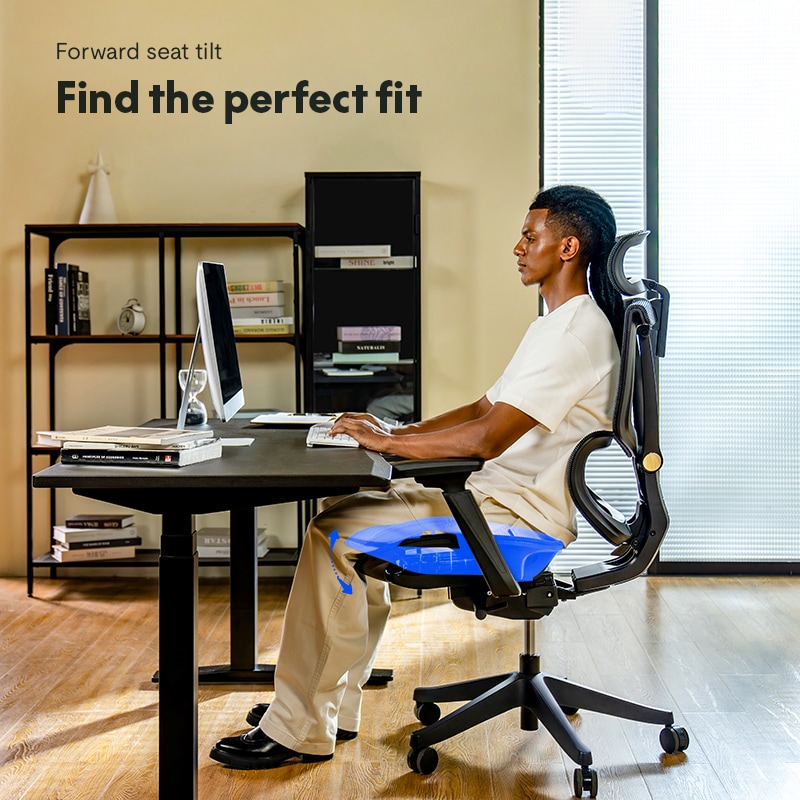
- Seat edge: Waterfall front to reduce pressure under the thighs.
- Swivel and casters: Easy movement with stable five-star base.
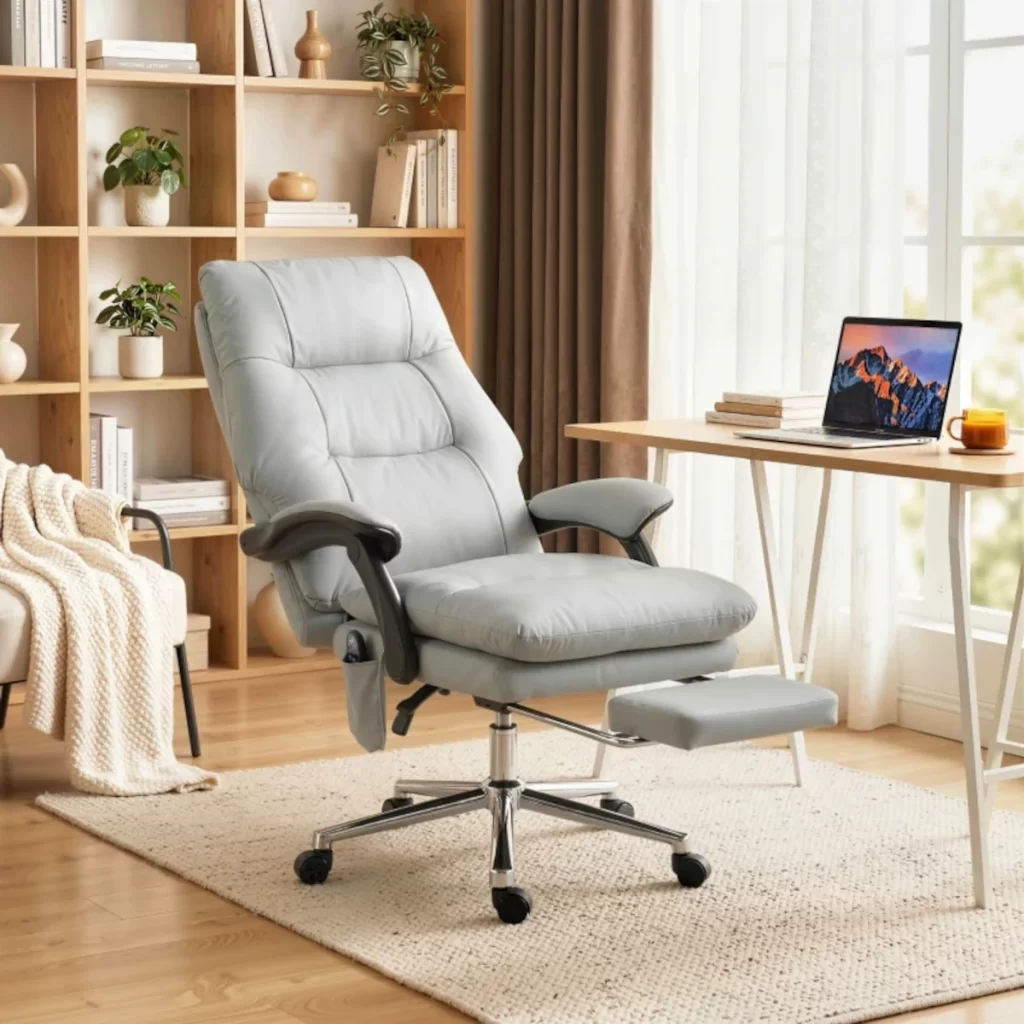
Materials matter too. High-density foam or responsive mesh should spread load without hot spots. When learning how to pick ergonomic office chair, confirm that each control is easy to reach and has enough range for your body.
Source: aosom.com
Fit the Chair to Your Body: A Simple Step-by-Step
Measure yourself before you shop. This small prep is the smartest move in how to pick ergonomic office chair. Use a tape measure and a wall.
- Popliteal height: Floor to the underside of your knee while wearing work shoes. This guides seat height.
- Thigh length: Back of hip to back of knee. This guides seat depth.
- Hip width and shoulder width: This guides seat width and armrest spacing.
Now set up the chair:
- Raise or lower the seat until feet are flat and thighs are level.
- Slide the seat pan so you keep two to three finger space behind the knee.
- Lift the lumbar so it meets your low back at belt height.
- Set tilt tension so you can lean back with light effort, then unlock for movement.
- Bring armrests to just brush your forearms when shoulders are relaxed.
If you type a lot, keep elbows near your sides and wrists straight. If you read or code for long periods, recline to 100–120 degrees to unload the spine. Fitting beats brand. This is the core of how to pick ergonomic office chair.

Source: internationalcompetitionnetwork.org
Build Quality, Materials, and Safety Standards
Chairs live a hard life. Focus on evidence of quality. This supports trust when deciding how to pick ergonomic office chair.
- Frame: Steel or reinforced nylon base with a Class 3 or Class 4 gas lift.
- Foam and mesh: High-density molded foam resists sagging; woven mesh with good elastomer blend avoids sharp pressure lines.
- Fabrics: Breathable, abrasion-resistant textiles rated for high rub counts.
- Casters: Soft casters for hardwood; hard casters for carpet.
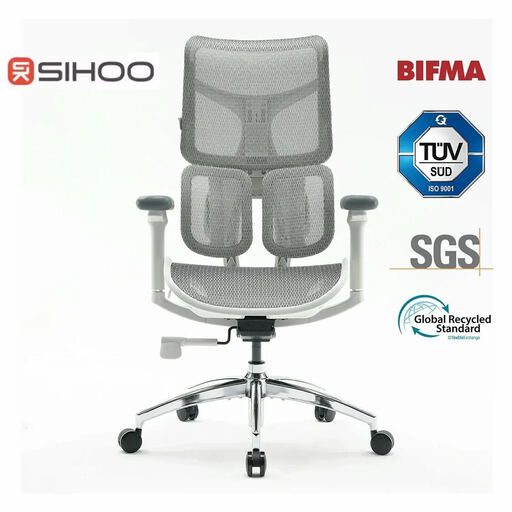
Check certifications. BIFMA X5.1 and EN 1335 show baseline durability and dimension targets. GREENGUARD or similar marks can reduce indoor emissions. Strong warranties signal confidence. Spare parts availability extends life and lowers total cost. These facts help you judge how to pick ergonomic office chair that lasts.
Source: aosom.com
Match the Chair to Your Work and Body Type
Work style shapes the best choice. Here is how to pick ergonomic office chair for real tasks.
- Deep focus and typing: Prioritize firm lumbar, 4D arms, and easy synchro tilt.
- Creative and review work: Smooth recline and a stable headrest support long reading.
- Meetings and collaboration: Fast controls and a light frame help quick posture changes.
- Petite users: Short seat depth and low minimum seat height avoid leg pressure.
- Tall or big-and-tall users: Extended cylinder, wider seat, higher back, higher weight rating.
- Drafting or sit-stand setups: Drafting foot ring and taller cylinder for higher desks.
If you share a chair at home, favor wide adjustment ranges and clear markings. For small spaces, pick a compact back with narrow arms. These choices reflect how to pick ergonomic office chair that fits your life.

Source: pergoworkstyle.com
Budget Guide: What to Expect at Each Price Tier
You can buy smart at any budget. Set expectations. This keeps you grounded on how to pick ergonomic office chair without overspending.
- Under $200: Basic height and tilt. Limited lumbar and arm adjustability. Shorter warranty. Inspect build carefully.
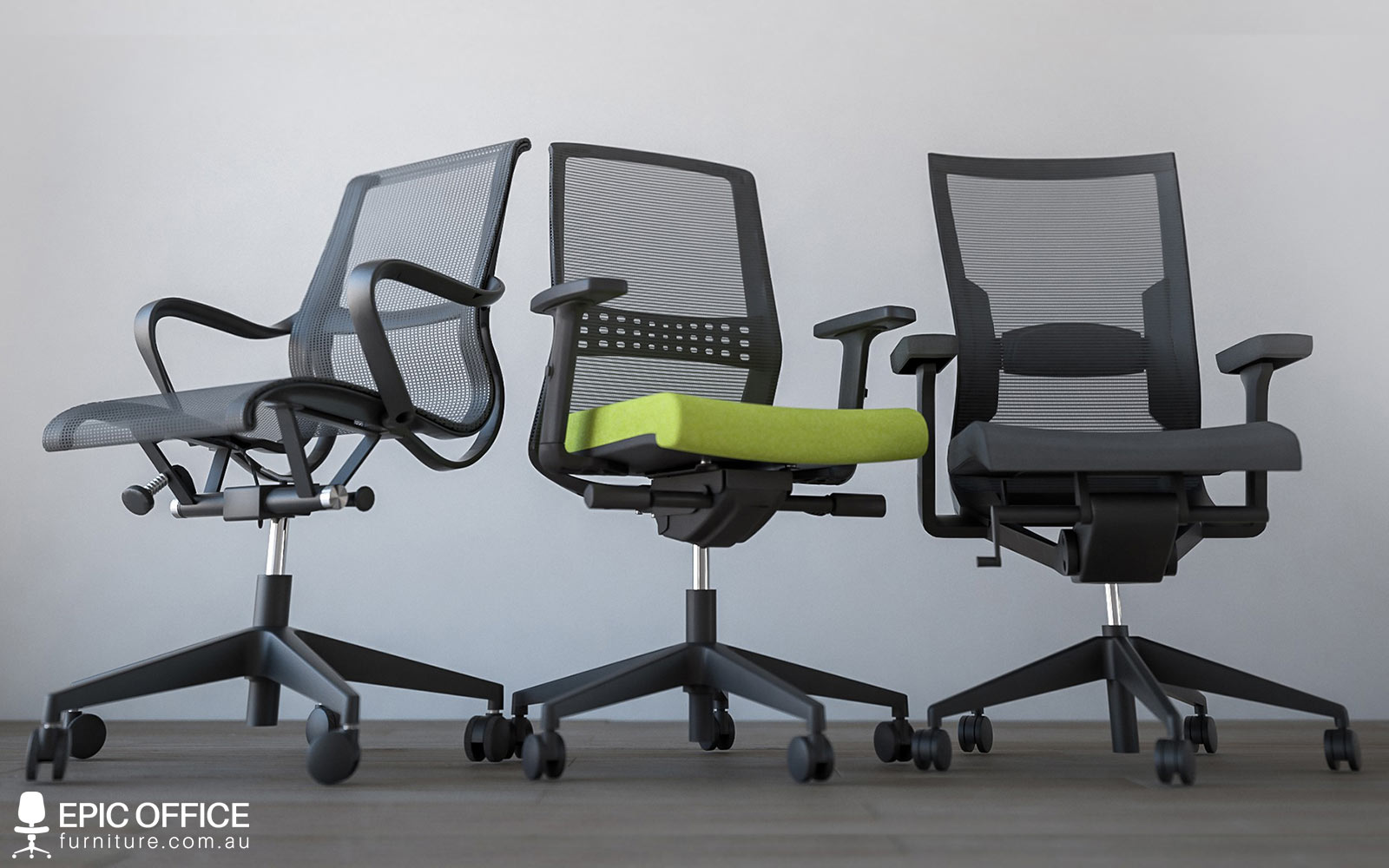
- $200–$500: Better lumbar, 3D/4D arms, and stronger frames. Some mesh backs. Solid value tier.
- $500–$1,000: Premium materials, synchro tilt, refined controls, and long warranties. Broad fit ranges.
- $1,000+: Top comfort, advanced mechanics, precise lumbar systems, and excellent parts support.
Used or refurbished premium chairs can beat new mid-tier chairs if condition is good. Always test adjustments and check wear. This is a savvy way for how to pick ergonomic office chair on a budget.
Source: com.au
Try-Before-You-Buy and Online Buying Protocol
A 10-minute sit is not enough. Use a repeatable test. This is a reliable path for how to pick ergonomic office chair in store or online.
In store:
- Sit for at least 20 minutes with two posture changes.
- Adjust in order: height, depth, lumbar, tilt tension, arms.
- Check for pressure at sit bones, behind knees, and shoulder blades.
- Listen for creaks. Test recline smoothness and forward return.
Online:
- Compare your measurements to the manufacturer’s ranges.
- Confirm return window, return shipping cost, and restocking terms.
- On arrival, test daily for a week. Keep the box until you are sure.
Document your settings with photos. If a feature causes discomfort, note it with time stamps. This data-driven habit lifts your success rate for how to pick ergonomic office chair.
Source: dvg-westoverledingen.de
Common Mistakes and Myths
I see the same problems again and again when people ask how to pick ergonomic office chair. You can avoid them with a quick check.
- Buying by looks alone. A sculpted back can miss your lumbar curve.
- Overstuffed cushions. Plush seats can trap heat and create pressure points.
- Fixed armrests. They push shoulders up and cause neck pain.
- One-size-fits-all myth. Body shapes vary. Range matters more than style.
- Ignoring desk height. If your desk is too high, no chair will feel right without a footrest or keyboard tray.
If you feel numbness, tingling, or hot spots, do not wait. Refit the chair or try another model. Comfort should come without fight.
Accessories and Workspace Setup That Multiply Comfort
A chair cannot fix a bad desk setup. To truly master how to pick ergonomic office chair, tune the whole station.
- Footrest: Helps shorter users keep feet flat when the desk is high.
- Monitor: Top of screen at or just below eye level. Arm’s length away.
- Keyboard and mouse: Keep elbows near 90 degrees with neutral wrists.
- Floor mat: Protects hardwood and improves rolling.
- Casters: Swap to soft casters for hard floors; lockable casters for sloped areas.
Use a timer or app to cue micro-breaks every 30–45 minutes. Stand, stretch, and reset posture. Your chair supports you; movement sustains you.
Care, Maintenance, and Lifespan
Care extends comfort. It also proves you know how to pick ergonomic office chair for the long haul.
- Clean mesh and fabric with a gentle vacuum and mild cleaner.
- Tighten bolts and check casters every three to six months.
- Lubricate moving parts if the maker allows it.
- Replace worn arm pads, casters, and gas lifts instead of the whole chair.
Good chairs can last 8–15 years with care. At end of life, recycle metal parts and donate usable pieces. Responsible choices close the loop.
My Field Notes: What I Learned Setting Up Hundreds of Chairs
In client offices, I track three signs of a great fit. People forget about the chair within minutes. They lean back often. And they leave after work without rubbing their neck or lower back. These are the best signals of how to pick ergonomic office chair that actually works.
My biggest mistake early on was ignoring seat depth. Tall users sat on short pans and slid forward. Short users sat on long pans and felt knee pressure. Once I made depth the first check, complaints dropped fast. If you remember just one thing about how to pick ergonomic office chair, make it seat depth and lumbar match.
Finally, adjust the armrests every time your task changes. Writing, typing, and reading each want a new elbow angle. Small tweaks deliver big wins over a full day.
Frequently Asked Questions of how to pick ergonomic office chair
What chair height is best for most people?
Set the seat so your feet are flat and thighs are level. Aim for knees near 90–100 degrees with relaxed hips.
Do I need a headrest on an ergonomic chair?
Only if you recline often or are tall. A good headrest supports the base of the skull during recline, not while typing.
Is mesh better than foam for long sitting?
Mesh breathes well and can reduce heat. High-density foam can feel plusher but must resist sagging to stay supportive.
How long should I test a chair before deciding?
Sit for 20–30 minutes with at least two posture changes. If buying online, use the chair for a full workweek within the return window.
What standards show a chair is durable and safe?
Look for BIFMA X5.1 and EN 1335 compliance. Also check for a Class 3 or 4 gas lift and a strong warranty.
Conclusion
Picking the right chair is a process, not a guess. Measure your body, match the adjustments, and test for pressure and ease of movement. With this approach, you now know how to pick ergonomic office chair that fits your work, your budget, and your body.
Act on it today. Take your measurements, shortlist three models, and test them with the setup steps above. If this guide helped, share it with a colleague, subscribe for more ergonomic tips, or leave a comment with your chair shortlist and I will help you choose.


