
If you sit for hours, your chair becomes more than a seat. It becomes a tool that shapes your posture, mood, and energy. The right chair can help you focus and feel good at the end of the day. The wrong one can drain you by lunch. Most people don’t notice this until back pain shows up. This guide makes it simple: what really changes when you switch from a regular chair to an ergonomic chair—and when that upgrade is worth it for you. An ergonomic chair reduce back pain.
Affiliate Disclosure: This article may contain affiliate links. If you buy through them, we may earn a small commission at no extra cost to you.
Medical Disclaimer: This content is for general information and not medical advice.
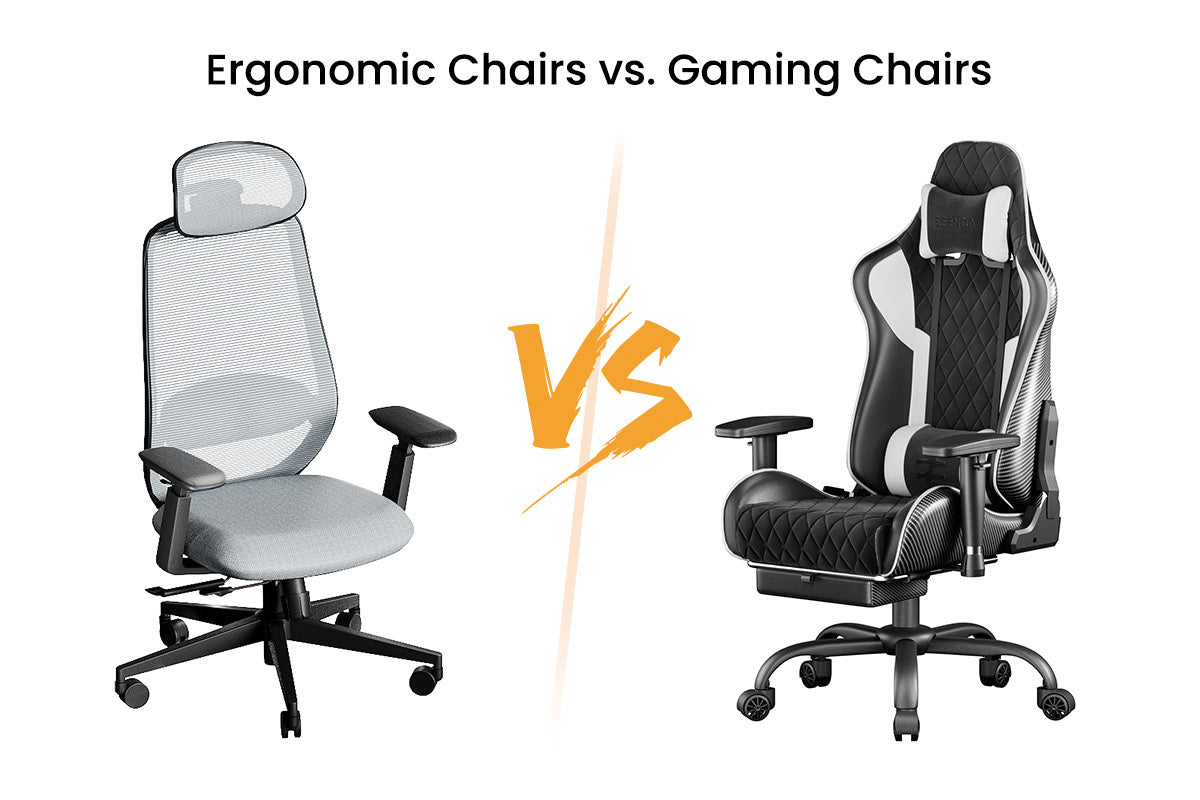
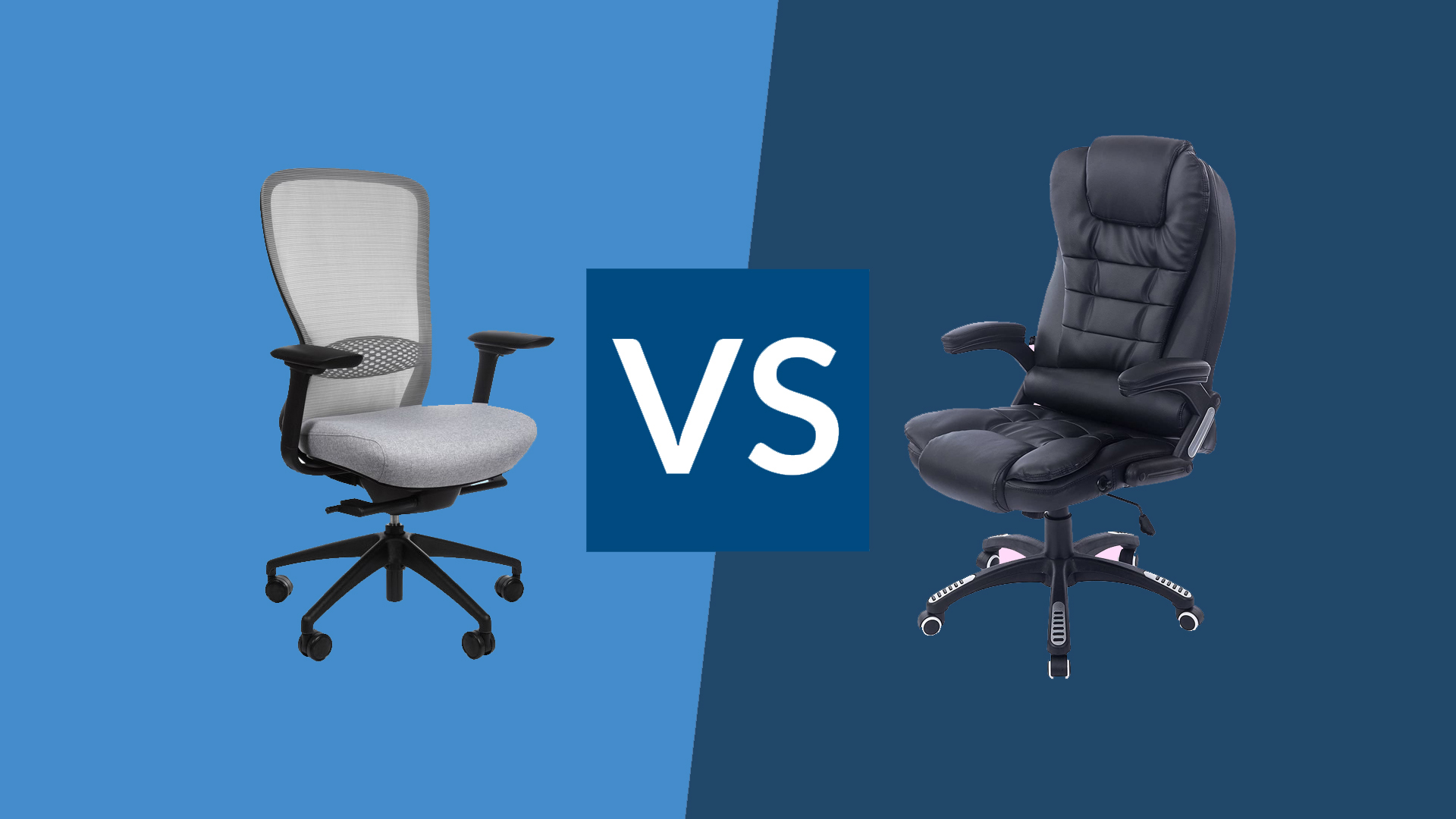
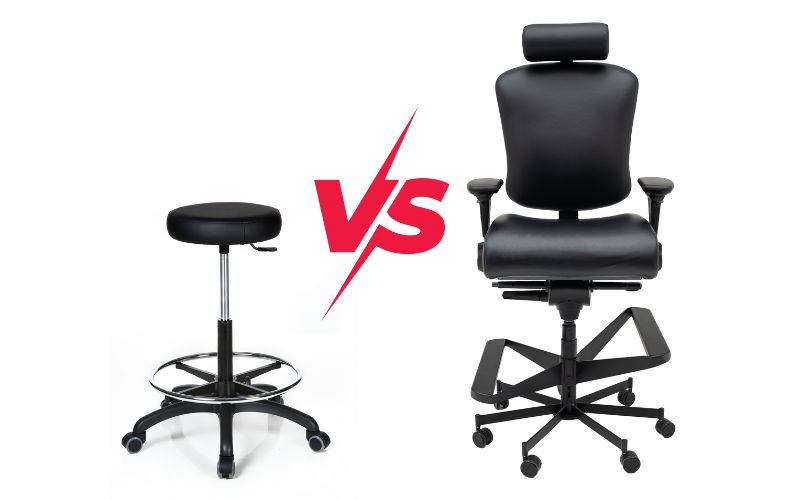
Ergonomic Chair vs Regular Chair (Quick Comparison)
Think of this as a fast office chair comparison. It shows how each chair affects posture, comfort, and fatigue in real life—not just features on paper. This is where ergonomic chairs win for long days.

| Factor | Ergonomic Chair | Regular Chair |
|---|---|---|
| Posture Support | Built-in lumbar + back shape | Flat back; minimal support |
| Adjustability | Seat, backrest, armrests, tilt, height | Height only (usually) |
| Comfort (Hours) | Stays comfy for long sitting | Fine for short time; declines later |
| Price | Higher upfront | Lower upfront |
What Is an Ergonomic Chair (Simple Explanation)
An ergonomic chair help posture. It keeps your spine in a neutral curve, supports your lower back, and lets you adjust the fit to your body. The goal is less strain and steadier comfort across the day.
Key parts to know:
- Lumbar support: A raised or adjustable section that fits the natural curve of your lower back. It helps prevent slouching and keeps your core engaged with less effort.
- Adjustability: You can change seat height, seat depth, armrest height and width, tilt tension, and backrest angle. Small tweaks can remove pressure from your hips, shoulders, and neck.
- Posture design: The backrest follows your spine. The seat’s front edge often has a waterfall shape to reduce pressure on your thighs.
Most people don’t notice this until hour three or four: adjustability spreads pressure out and removes hot spots that cause fidgeting and pain.
What Is a Regular Chair
A regular chair is a basic seat. It may look stylish, but it does not shape to your spine. Support is minimal, and adjustability is rare. That is fine for short use, but fatigue grows fast during long work sessions.
Common traits:
- Basic design: Flat back and flat seat. Often one-size-fits-all.
- No support features: Little to no lumbar support. Arms are fixed or missing.
- Limited comfort window: You feel okay at first, but pressure builds over time.
The Real Difference During Long Sitting (MOST IMPORTANT)
Here is the heart of the ergonomic vs normal chair debate. The gap is small at first. It becomes huge later. The big difference after 5 hours shows up in posture, pressure, and focus.

Check Amazon Price
After 1 Hour
Most people feel fine in both chairs after 60 minutes. Your body can handle short sessions. You may shift a bit in a regular chair, but it is not a big deal yet.
What to expect:
- Ergonomic chair: Neutral spine, shoulders relaxed, steady breathing.
- Regular chair: Subtle slouch starts. Head may drift forward. Not painful yet.
After 6 Hours
This is where ergonomic chairs win. The extended support holds your posture without constant effort. In a regular chair, the spine curves, and small pains grow into real fatigue. ProtoArc Ergonomic Office Chair is can your best option.
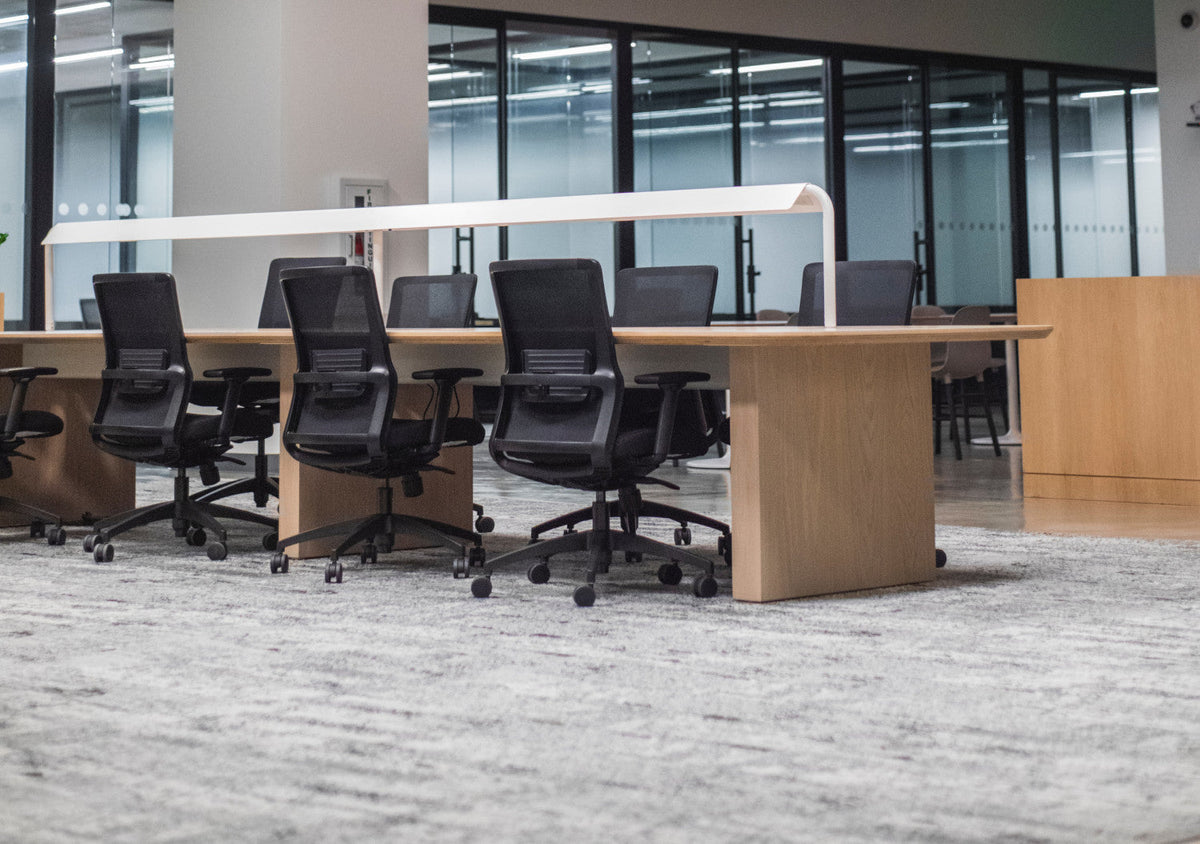
ProtoArc Ergonomic Office Chair
What changes with time:
- Fatigue difference: In an ergonomic chair, muscles share the load. In a regular chair, your lower back and neck take over and tire fast.
- Posture impact: Without lumbar support, your pelvis rolls back. You slump. Your chin juts forward to see the screen. Pressure builds at the base of your neck.
- Pressure points: A flat seat pushes on your thighs and tailbone. Blood flow can drop. You fidget, which breaks focus.
- Focus and energy: Better support equals longer focus windows. You save energy that would be spent fighting the chair.
In short: both chairs work for short work. Only one keeps you steady and comfortable as hours pass.
Why Regular Chairs Cause Discomfort Over Time
A regular chair looks fine. But its design does not match the human spine. That mismatch is why small aches show up by mid-day.
Key reasons:
- Slouching: With no lumbar curve, your pelvis tilts back. Your spine rounds. Your head moves forward to see the screen. This loads your neck and mid-back.
- No back support: Your back muscles must hold you up. They get tired. Your core relaxes. Pain follows.
- Pressure on the spine: A flat seat can tilt your pelvis and compress discs. Over time, this can trigger stiffness and soreness.
- Arm strain: Fixed or missing armrests leave your shoulders floating. This adds tension to your neck and upper traps.
Most people don’t notice this until late afternoon. That is when you start rubbing your neck or shifting nonstop.
When an Ergonomic Chair Is Worth It
You do not need to love gear to love relief. An ergonomic chair is a smart buy if you sit a lot and want fewer aches and more focus. It can pay for itself in calm, steady work days.
Good times to upgrade:
- Long working hours: You sit 5–10 hours a day for a desk job or study.
- Back or neck pain: You have tension in your lower back, mid-back, or neck.
- Deep focus work: Coding, writing, research, design, gaming, or finance.
- Hybrid or remote work: Your home setup is your main office.
- You value adjustability: You want the seat to fit your body, not the other way around.
Tip: If your workday runs long, you will feel the upgrade most after lunch. That is when comfort curves diverge.
When a Regular Chair Is Enough
You do not always need a high-end posture chair. If your sessions are short or your budget is tight, a regular chair can still be a smart choice with a few add-ons.
Choose a regular chair if:
- Short sitting time: You sit less than 2 hours at a stretch.
- Budget first: You can add a lumbar pillow or footrest instead of buying a new chair.
- Occasional use: Guest rooms, dining, quick meetings, or casual study.
- You stand or move a lot: Sit-stand desks or frequent breaks reduce the need for top-tier support.
Common Mistakes When Choosing a Chair
A chair can be great on paper but fail in real life. Avoid these traps so your choice pays off fast.
Watch out for:
- Buying expensive but not adjusting: A premium chair without setup is a fancy regular chair. Learn the levers on day one.
- Ignoring posture: No chair can fix a low screen or a far keyboard. Your setup matters.
- Wrong seat size: Seat depth that is too long cuts off blood flow behind your knees. Too short and your thighs lack support.
- Arms too high or too low: This strains your neck and wrists.
- No trial window: If possible, test for at least a week. Your body needs time to settle.
Simple Setup Tips for Any Chair
A good setup can make a cheap chair better and a great chair amazing. Do these quick fixes now. You will feel the results today.
Easy setup checklist:
- Feet flat: Keep feet flat on the floor or a footrest. Knees at about 90–100 degrees.
- Screen height: Top of the screen at or just below eye level. No chin tilt.
- Keyboard and mouse: Keep elbows near your sides. Forearms level with the desk.
- Back support: Sit back and use the backrest. Add a small pillow if needed.
- Seat depth: Leave a two-finger gap behind your knees.
- Tilt: Use a slight recline (100–110 degrees). It reduces spinal load.
- Breaks: Stand, stretch, or walk for 2–3 minutes every 30–45 minutes.
For posture cues and daily stretches, see our posture guide: /posture-guide
Optional Tools That Improve Comfort
You can boost any chair with a few low-cost tools. These help balance your posture and reduce pressure. This is a soft affiliate section. If you buy through included links, we may earn a small commission at no extra cost to you.
Helpful add-ons:
- Lumbar support pillow: Fills the curve in your lower back and stops the slump. See our lumbar support guide: /lumbar-support-guide
- Footrest: Keeps feet flat, supports shorter users, and opens hip angle. Read our footrest article: /footrest-guide
- Seat cushion: Adds pressure relief for the tailbone and hips. Great for hard seats.
- Monitor riser: Lifts the screen to eye level to reduce neck strain.
- Desk mat or wrist rest: Helps align wrists and reduce pressure during typing.
Tip: Start with lumbar support + footrest. They create the biggest change per dollar.
Quick Decision Guide (1-Minute Choice)
Still unsure? Use this fast filter to pick with confidence. It is based on how long you sit and what hurts.
- If you sit more than 5 hours a day: Get an ergonomic chair. You will feel the difference after lunch.
- If you sit less than 2 hours a day: A regular chair is fine. Add a lumbar pillow if you can.
- If you have back or neck pain now: Choose ergonomic with adjustable lumbar and armrests.
- If your budget is tight: Keep your chair. Add a lumbar pillow and a footrest first.
- If you are between sizes: Make sure seat depth and armrests adjust.
FAQs
Q: Is an ergonomic chair necessary?
A: It depends on sitting time. If you sit more than 4–5 hours most days, an ergonomic chair helps protect posture and reduces fatigue. For short sessions, you can get by with a regular chair plus a lumbar pillow and a better setup.
Q: Can a regular chair damage posture?
A: Over time, yes. A flat back and poor arm support lead to slouching and forward head posture. This strains your neck and lower back. Good habits and add-ons can help, but long sessions still favor an ergonomic design.
Q: Is an expensive chair worth it?
A: It is worth it if you sit long hours and use the adjustments well. The real value shows up after 5 hours of work. If money is tight, start with a lumbar pillow and footrest, then upgrade later.
Q: Mesh or foam—does it matter?
A: Mesh breathes better and stays cooler. Foam can feel cushier at first but may trap heat. The frame, lumbar support, and adjustability matter more than fabric in the long run.
Conclusion
Here is the simple truth. Ergonomic chairs support posture and comfort across long days. Regular chairs are fine for short use but lose the battle over time. The better choice depends on how long you sit and where you feel strain.
If you sit more than 5 hours a day, choose an ergonomic chair and set it up well. If you sit less than 2 hours, a regular chair with a few smart add-ons can work great. For next steps, see our posture guide , lumbar support guide , and footrest article. Make one change today. Your back will thank you tomorrow.


