
An ergonomic chair supports the spine by keeping a neutral curve and reducing pressure.
If you have asked how does an ergonomic chair support the spine, you are in the right place. I have helped many teams set up healthy desks, and I have tested more chairs than I can count. In this guide, I will break down the science, the key features, and the setup steps. You will learn how does an ergonomic chair support the spine in clear, simple terms you can use today.

Why spine alignment matters at your desk
Your spine has three gentle curves. These are in the neck, mid-back, and low back. When you sit, those curves can flatten or twist. That is when muscles get tight, and discs take more load.
Sitting without support can increase pressure on the low back. Classic lab studies on disc pressure show this jump in load. Long hours make this worse. Small habits, like crossing legs, also pull the pelvis into a slump.
A good chair stops that slide. It supports the pelvis and the lumbar curve. It spreads weight and lowers stress on discs and small joints. This is the base of real back comfort.

How does an ergonomic chair support the spine? The core mechanism
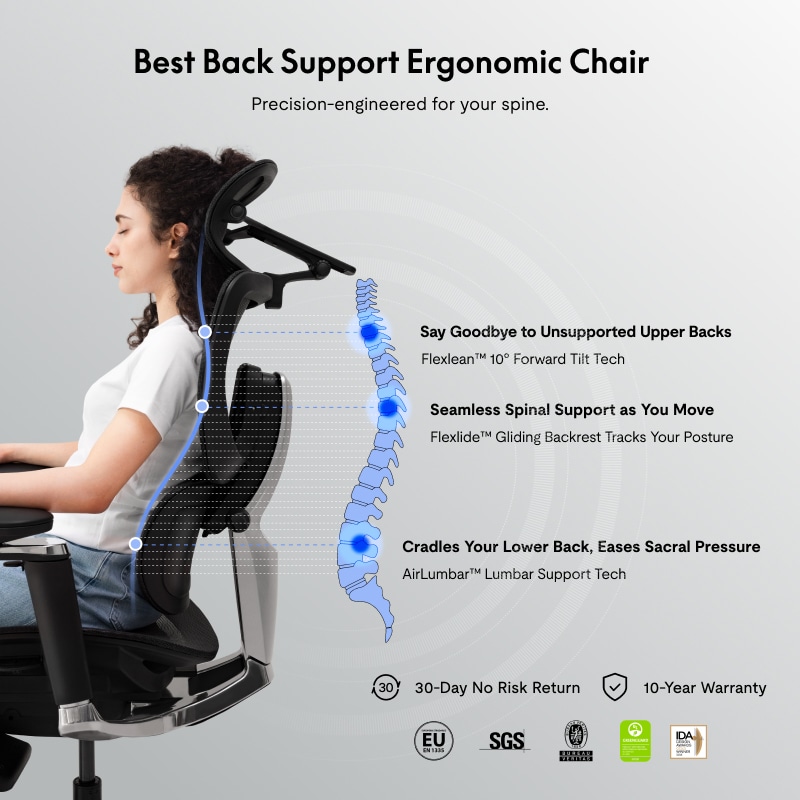
Here is the clear answer to how does an ergonomic chair support the spine. It holds your pelvis in a neutral spot. It shapes the low back to match its natural curve. It lets you lean back to lower disc load. It also places arms and feet so the spine does not need to fight gravity.
Key ways an ergonomic chair helps your back:
- Maintains a neutral pelvis so your lumbar curve stays alive, not flat.
- Supports the lumbar area at L4–L5 so your discs do not bear all the load.
- Allows smooth recline so your body shares pressure across the backrest.
- Aligns armrests to relax the neck and shoulders, which protects the mid-back.
- Sets seat height for firm foot contact, which eases the hips and sacrum.
- Encourages micro-moves so your tissues get blood flow and do not stiffen.
When people ask how does an ergonomic chair support the spine, I point to these basics. If a chair does each one, your back will feel safer in minutes.
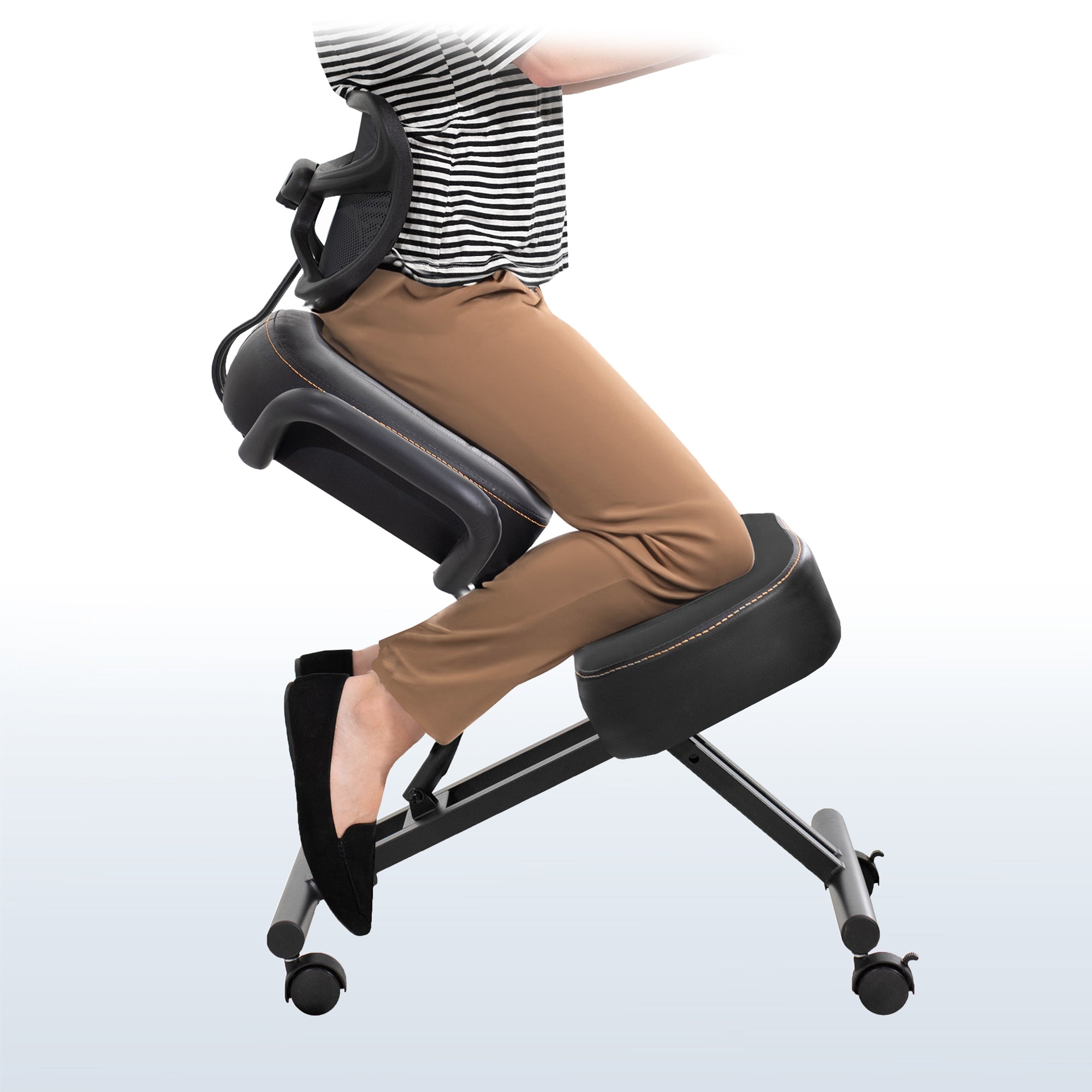
Key features that protect your back
Lumbar support that fits you
A real lumbar support has height and depth control. It should sit where your belt line is, give or take an inch. It should fill the small of your back but not push you forward. Some supports move with you. This keeps the curve as you lean.
Seat pan and seat depth
Seat depth should let you place two to three fingers between the seat edge and your calves. A waterfall edge cuts pressure on the thighs. Foam should be firm yet forgiving. Mesh can work, but it must support the pelvis so it does not slide.
Backrest and recline
Look for a backrest that follows your torso. A recline of 100 to 110 degrees reduces spinal pressure. A synchro tilt that gives more backrest travel than seat travel feels smooth. It helps your thoracic spine open up as you work.
Armrests that meet your elbows
Set armrests so your shoulders drop and your elbows rest at about 90 degrees. Four-way armrests help. They prevent shrugging and slouching. This eases strain on the neck and mid-back.
Headrest, when it helps
A headrest is nice when you read in a reclined pose. It is not a cure for neck pain. It should meet the base of the skull, not push the head forward.
Base, swivel, and casters
A stable five-point base is a must. Good casters let you pull close to your desk without twisting. Easy swivel cuts awkward reaches that twist the spine.
Materials and breathability
Mesh breathes and keeps you cool. Foam can offer better contour if it holds shape. Either way, the goal is even pressure and a stable pelvis.
Simple, repeatable adjustments
Levers should be easy to reach while sitting. Numbered marks help you return to a good setup each day. The easier the chair is to tune, the more you will use it.
If you wonder how does an ergonomic chair support the spine in daily use, it is these features working together. They guide your body into balance with less effort.

How to set up your ergonomic chair for a neutral spine
Follow this quick setup. It takes two minutes and protects your back for hours.
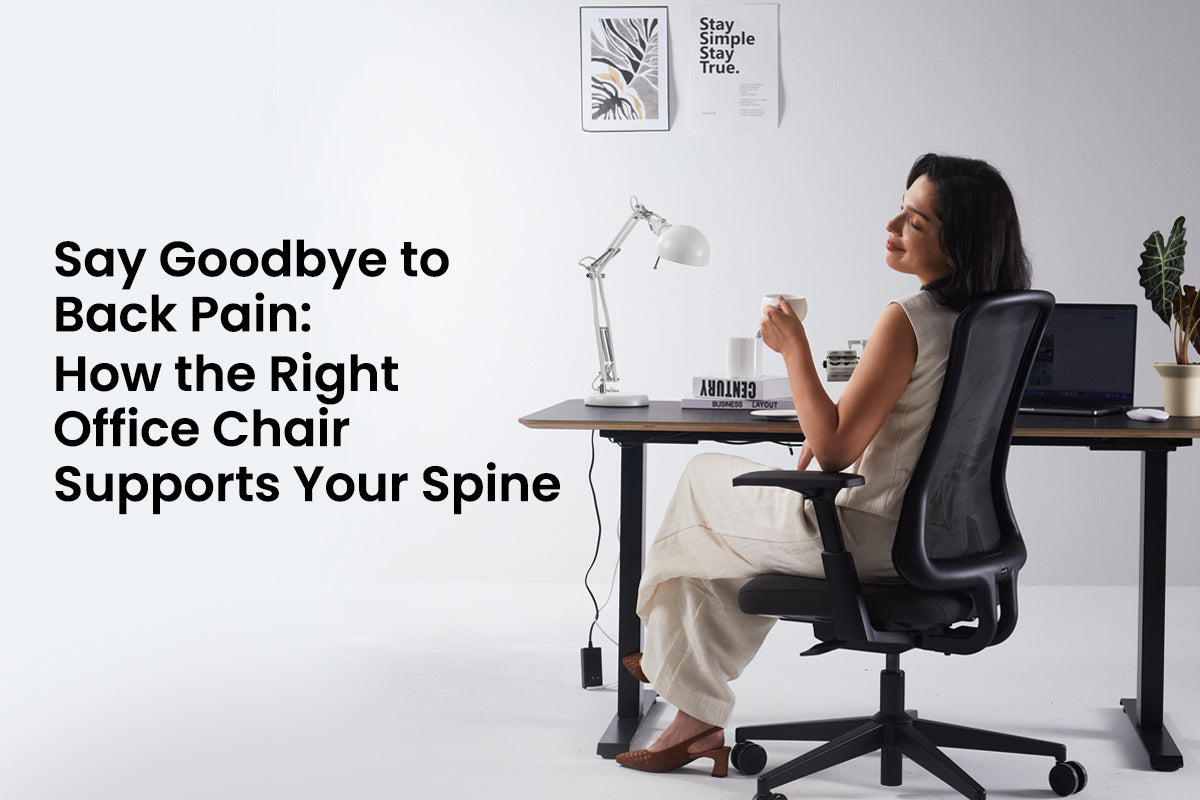
- Set seat height. Your feet should rest flat. Your knees should be at or just below hip level.
- Set seat depth. Leave a two to three finger gap at the back of your knees.
- Raise lumbar support. Place it at the small of your back. Add just enough pressure to feel held, not poked.
- Adjust backrest and recline. Lock at 100 to 110 degrees, or use active tilt with light tension.
- Tune armrests. Bring them to elbow height. Keep elbows close to your sides and shoulders relaxed.
- Align desk and screen. Keep the top of the screen near eye level. Keep the keyboard close to avoid reaching.
- Do micro-moves. Shift every 20 to 30 minutes. Stand up for one or two minutes each hour.
Mistakes to avoid:
- Sitting too low so your hips tuck and your back rounds.
- Letting the seat edge press into your calves.
- Setting armrests too high so your shoulders shrug.
These steps answer how does an ergonomic chair support the spine in real life. The magic is the neutral pelvis and small, steady moves.
Real-world lessons from my desk and clients
I once set my seat depth too long. My thighs felt fine, but my low back ached by noon. I pulled the seat in by one inch. The ache was gone the next day. Small changes can have big effects.
A client with sciatic flares sat on a soft, deep seat. His pelvis slid and his lumbar curve flattened. We added firmer foam and raised the front desk height by half an inch. He reported fewer flares in two weeks.
Another team raised armrests across the office by one notch. Neck tightness dropped for most users. This is how does an ergonomic chair support the spine in the wild. Good settings beat fancy features every time.

Evidence backing ergonomic chairs for back health
Spine research shows that leaning back reduces disc pressure compared to sitting bolt upright. Studies on lumbar supports find less low back fatigue and less slouch with proper fit. Workstation trials show that short, frequent posture changes cut discomfort and boost focus.
Guidelines from occupational health groups support neutral posture, elbow support, and feet on the floor. They also note that no chair cures all pain. Training plus a well set chair works best.
So, how does an ergonomic chair support the spine according to the data? It maintains the lumbar curve, spreads pressure with recline, and supports arms to unload the neck and mid-back. The limits are clear. You still need breaks, movement, and a desk at the right height.

Common misconceptions and limits
A chair is not a medical device. It cannot fix every back issue. It can lower strain and help you work with less pain.
Soft seats are not always better. If they let your pelvis slide, your back will round. Mesh is not always cooler if it lacks support. Headrests are not required for good posture.
Body size matters. Very tall or very short users may need special seat depth or foot rests. If you keep asking how does an ergonomic chair support the spine and still hurt, check your desk height and your habits. Add breaks. Talk with a clinician if pain persists.
Frequently Asked Questions of how does an ergonomic chair support the spine
How does an ergonomic chair support the spine during long hours?
It keeps the pelvis neutral and supports the lumbar curve. Recline and arm support spread load so tissues can rest.
What recline angle is best for back comfort?
A slight recline of 100 to 110 degrees works well for most people. It lowers disc pressure and lets the backrest share the load.
Do I need a headrest for proper spinal support?
No, a headrest is optional. It helps during recline or reading, but lumbar and arm support matter more.
How high should the lumbar support sit?
Place it at the small of your back, around belt level. You should feel gentle contact that holds your curve without pushing you forward.
Can an ergonomic chair help with sciatica?
It can reduce triggers by easing pressure and stopping slump. Pair it with frequent breaks and a screen and desk height that prevent reaching.
How often should I move if I sit in a good chair?
Shift positions every 20 to 30 minutes. Stand for a couple of minutes each hour to boost blood flow and reduce stiffness.
Is mesh or foam better for spinal support?
Both can work if designed well. The key is stable pelvic support, even pressure, and comfort over time.
Conclusion
An ergonomic chair helps by holding a neutral pelvis, shaping the lumbar curve, and sharing pressure as you move. With the right setup, you protect your discs and muscles while you work. The true win comes from small changes done well, each day.
Set your chair today. Test the steps for a week. Track how you feel. If this helped, share it with a friend, subscribe for more simple ergonomics, or drop a question in the comments.


