

Design clear zones, cut visual noise, fix lighting, tame cables, and simplify tools.
You want real focus without moving to a cabin in the woods. I’ve led office build-outs and tuned tiny home desks, and I know how to design a distraction free workspace layout that works in the real world. This guide shows you proven steps, pro tips, and small wins you can apply today. Read on to learn how to design a distraction free workspace layout you can keep for years.

Source: youtube.com
What a distraction-free workspace layout really means
A distraction-free layout reduces input you do not need. It supports how you think, move, and work. It trims the visual field, manages noise, and keeps tools in reach. It is not sterile. It is calm, clear, and easy to reset.
You will see three big wins:
- Less context switching because your zones are clear.
- Less decision fatigue because your desk holds only what you use.
- Less eye and neck strain because light and posture are right.
In short, how to design a distraction free workspace layout comes down to matching space to tasks, and removing friction from the path. You set rules for what lives on the desk, what lives near, and what stays out.
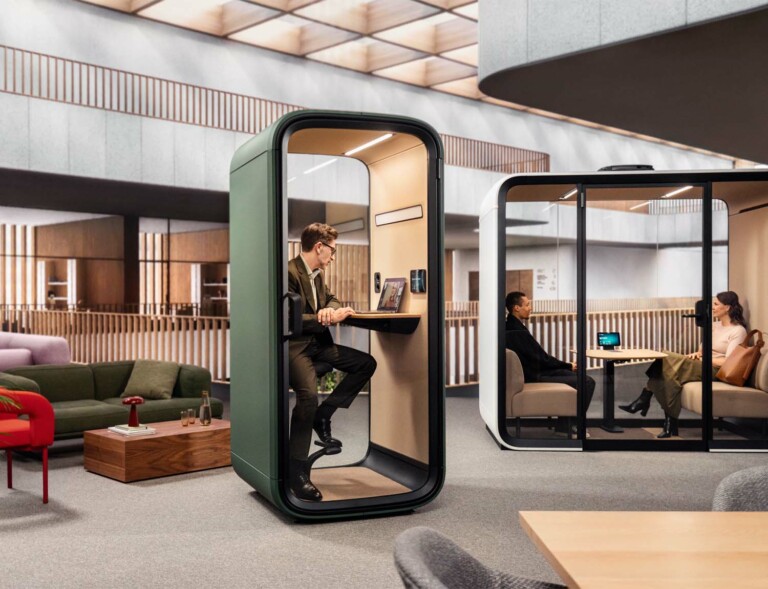
Source: framery.com
Step-by-step: how to design a distraction free workspace layout
Follow these steps to get a clean, focused setup. I use this process for teams and for solo workers.
- Define your work modes
- Deep work, admin, calls, and breaks. List the tools each mode needs.
- Time-box each mode. This sets the size of each zone.
- Map your space
- Measure walls, windows, outlets, and door swings.
- Sketch simple rectangles for desk, chair, storage, and walk paths.
- Choose the desk spot
- Face a wall or a window at an angle, not straight on.
- Avoid siting the monitor with a bright window behind you.
- Set up zones
- Focus zone: desk, chair, monitor, keyboard, mouse.
- Support zone: a small side table or shelf for notes and files.
- Utility zone: printer, shredder, chargers, and cleaning kit.
- Fix posture first
- Seat height lets feet rest flat. Knees at about 90 degrees.
- Desk height keeps forearms level. Top of monitor near eye level.
- Plan your light
- Daylight from the side is best. Add a desk lamp with 4000–5000K.
- Aim for 300–500 lux on the desk. Use warm light (2700–3000K) in relax areas.
- Tame cables
- Use a cable tray, ties, and one power strip with surge care.
- Route cables along desk legs. Label both ends.
- Cut visual noise
- Keep the desk surface clear: monitor, input devices, water, and one notebook.
- Move knickknacks to a shelf out of view.
- Control sound
- Add a rug, curtains, and books to reduce echo.
- Place soft panels where sound first reflects. Use white noise as needed.
- Align tools with reach
- Daily tools within arm’s reach. Weekly tools in drawers.
- Rare tools in closed bins with labels.
- Set digital rules
- One home screen for work. Dock apps you use. Hide the rest.
- Turn off non-work alerts. Use focus modes tied to calendar blocks.
- Test and tweak
- Run a two-week trial. Note pain points. Fix one thing per day.
- This is how to design a distraction free workspace layout that sticks.

Source: jetspace.work
Ergonomics that make focus last
Pain pulls focus. Good ergonomics saves your day.
- Chair: Use a seat with lumbar support. Hips slightly above knees.
- Monitor: Top line at eye height. Keep it about an arm’s length away.
- Keyboard and mouse: Elbows near your sides. Wrists neutral.
- Movement: Stand up every 30–60 minutes. Use the 20-20-20 eye rule.
Research in workplace health links neutral posture with fewer breaks and errors. That is why how to design a distraction free workspace layout starts with body fit. Comfort is a focus tool.

Source: framery.com
Light, color, and air: quiet cues for the brain
Your senses steer your attention. Tune them with care.
- Daylight: Side-light is best. Use blinds to cut glare.
- Task light: A lamp with a high CRI (80+) helps color and print clarity.
- Color: Soft, low-saturation hues calm. Keep bright colors for small accents.
- Air: A clean filter and plants help mood. Keep the room at a comfy range, not too warm.
Studies in lighting and environmental psychology show that right light and air raise alertness and reduce eye load. If you want to know how to design a distraction free workspace layout that feels clear, start with these invisible factors.
Source: notionthings.com
Acoustic control without building a studio
You do not need a booth to get quiet.
- Seal weak points: Door sweeps and weather strips help more than you think.
- Absorb, then mask: A rug, curtains, and panels absorb echo. A gentle fan or noise app masks the rest.
- Micro rules: Use a “recording” light or a desk flag during calls.
Pick headphones last. They help, but they can hide bigger issues. In my builds, soft surfaces plus simple door seals cut noise far more than expected.
Source: notion.com
Digital minimalism at the desk
Clutter on a screen distracts like clutter on a desk.
- Use a clean desktop and one wallpaper.
- Keep one browser window with few tabs. Park research in a read-later tool.
- Put devices on a single charger station, off the desk view.
- Create a start-up checklist and a shutdown reset. Two minutes each.
This is a key part of how to design a distraction free workspace layout. Space is both physical and digital.
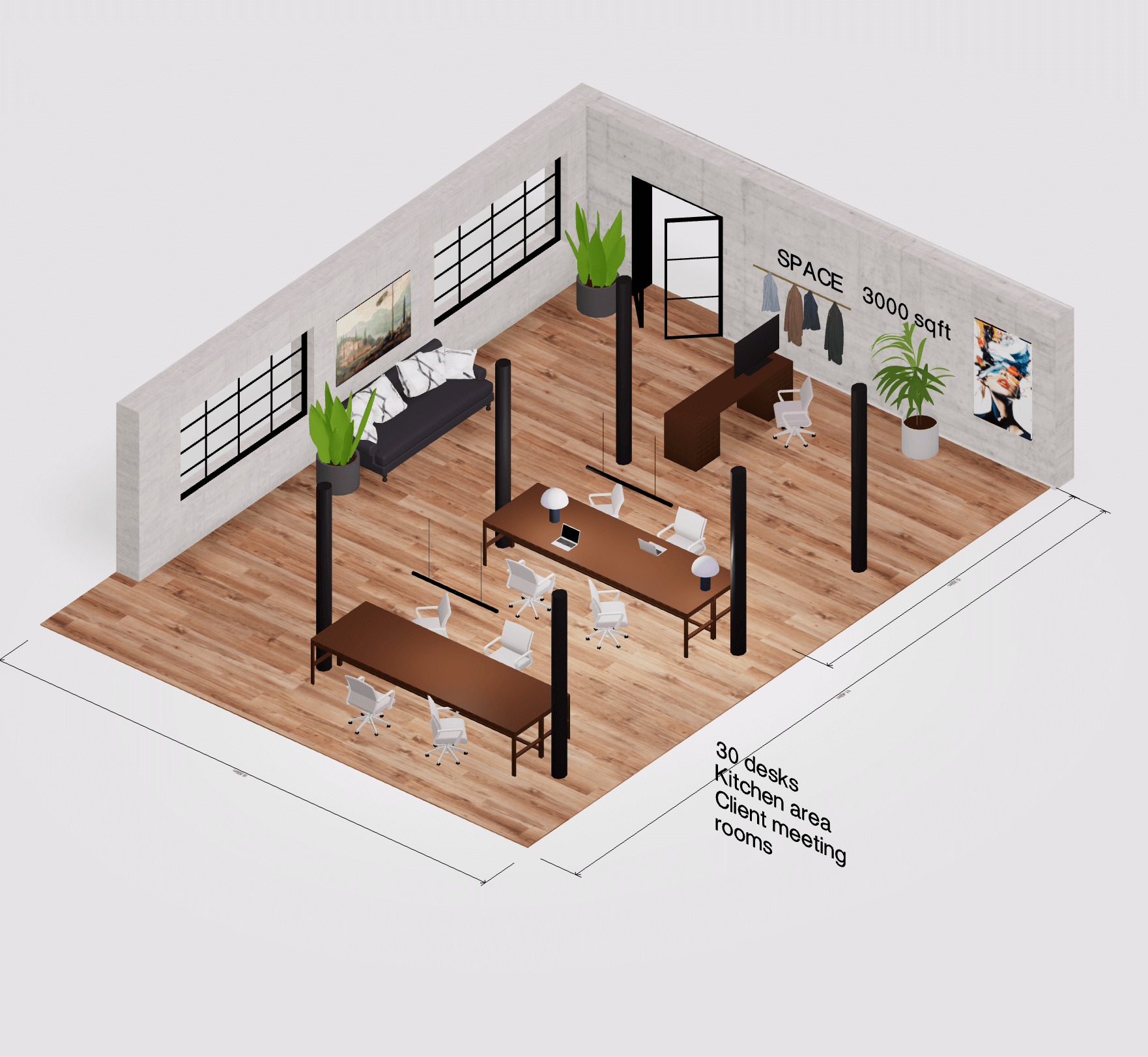
Source: arcadium3d.com
Small homes, shared spaces, and tight budgets
You can still do it right in a studio or a shared home.
- Use a fold-down desk or a wall-mounted shelf.
- Create visual borders with a screen, a curtain, or a rug.
- Store gear in a rolling cart you can tuck away.
- Use a simple signal for housemates: lamp on for focus, off for open.
I once set up a full-time editor in a 6-foot nook. We used a drop-leaf desk, a clamp lamp, and a rug. He said it felt like a cockpit, not a corner. That is how to design a distraction free workspace layout in small space.

Source: ergofinland.com
Field-tested layout templates you can copy
Use these as a start and adjust to fit.
- Solo home office
- Desk faces wall with window to the side.
- Shelf above monitor. Drawer unit on the non-dominant side.
- Floor lamp behind the monitor for glow.
- Tiny desk setup
- 40-inch desk, clamp light, slim monitor arm.
- Pegboard on the wall for vertical storage.
- Cable tray and one under-desk hook for headphones.
- Open office pod
- Desk with side panel screens for privacy.
- Ceiling baffle above, rug below.
- Shared printer and supplies in a separate bay.
- Creative studio corner
- Sit-stand desk, rolling tool cart.
- Pinboard on one side, whiteboard on the other.
- Warm accent light for ideation, cool task light for detail.
These reflect how to design a distraction free workspace layout for different roles while keeping the same rules: zones, light, cables, and calm.
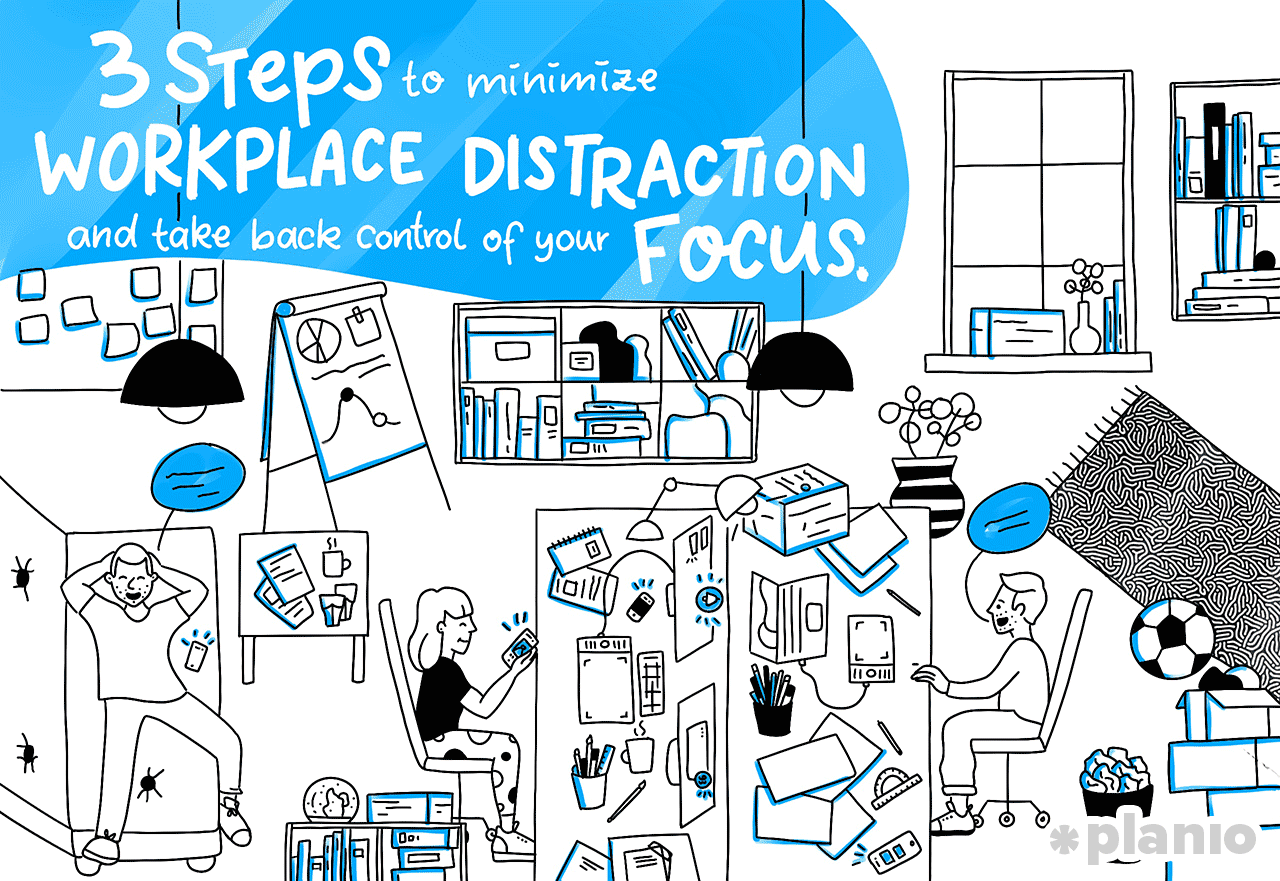
Source: plan.io
Mistakes I see and fast fixes
- Desk faces a busy window
- Fix: Rotate 30–90 degrees. Add blinds. Reduce backlight behind the monitor.
- Too many tools on the desk
- Fix: One in, one out. Store backups. Keep surfaces clear.
- No storage plan
- Fix: Label three bins: daily, weekly, archive. Set a 10-minute Friday reset.
- No sound plan
- Fix: Add a rug and curtains. Place one absorber at each first reflection point.
- Weak light mix
- Fix: Side daylight, task lamp, soft ambient. Avoid a single harsh ceiling light.
Avoiding these will speed up how to design a distraction free workspace layout that feels pro.
Measure results and keep improving
Make it simple and track changes.
- Focus score: Rate each day 1–5 for focus. Note the blockers.
- Session count: Count two deep work blocks per day. Protect them.
- Reset time: Time how long it takes to tidy the desk. Aim for under three minutes.
- Photo check: Take weekly desk photos. Look for creep.
If your numbers dip, adjust one thing at a time. This feedback loop is how to design a distraction free workspace layout that evolves with you.
Frequently Asked Questions of how to design a distraction free workspace layout
How do I start if my desk is a mess?
Clear the surface into one bin. Add back only what you used today. Label and store the rest out of sight.
Where should I place my desk for fewer distractions?
Face a wall or a corner with side-light from a window. Avoid sitting with your back to a busy room or a bright window.
Do dual monitors help or hurt focus?
They help if you use each for one task. They hurt if they invite tab surfing. Try one large screen or a single monitor plus an iPad for reference.
What color temperature is best for focus?
Use 4000–5000K for task light to boost alertness. Use warmer light in relax zones to signal off time.
How can I cut noise without annoying my family or team?
Use soft materials to absorb echo and a quiet white-noise source. Add a simple “focus” signal so people know when to hold off.
Is a standing desk worth it?
It helps you move and reduce strain. Use it in short blocks, and still mind your monitor height and light.
How often should I reset my layout?
Do a two-minute daily reset and a 10-minute Friday tune-up. Review bigger changes every quarter.
Conclusion
A clear layout turns effort into flow. Define your modes, set your zones, fix light and cables, and guard your screen. That is how to design a distraction free workspace layout that lasts and lifts your work.
Start small today. Rotate the desk, add a lamp, label two cables, and set a daily reset. Want more tips and templates? Subscribe, share your desk photo, or leave a question and I’ll help you dial it in.


