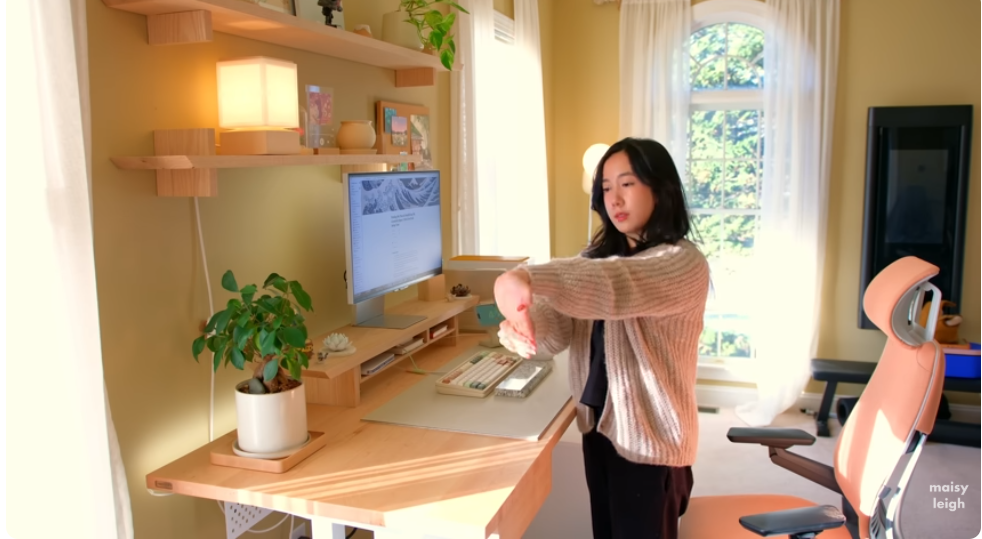
An ergonomic desk setup for small room needs compact furniture, good posture, and clever storage.
You can build a calm, healthy workspace even in a tight corner. I’ve set up many small rooms and studios, and the wins are repeatable. This guide shows how to plan an ergonomic desk setup for small room spaces with smart gear, exact measurements, and habits that protect your body. Stick with me for clear steps, checklists, and real examples that work.
Why an ergonomic desk setup for small room matters
A small room can still support a neutral posture, deep focus, and less strain. The key is fit. Every inch of space should serve your body and your work.
Research-backed ergonomics cut neck, back, and wrist pain. They also boost energy and focus. With an ergonomic desk setup for small room smart layouts, you can prevent clutter, reduce glare, and maintain healthy habits. The result is a tidy, supportive workspace that feels bigger than it is.
I learned this in a 9×10 guest room that doubled as my office. A wall-mounted desk and a monitor arm freed space. Pain went down. Output went up. That change started with simple measurements and a plan.
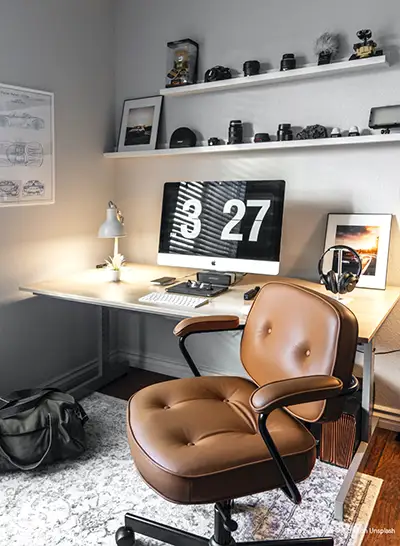
Source: asurion.com
Measure first: your small-room ergonomic blueprint
Measure the room, doorway, and desk zone before you buy anything. These numbers guide every choice.
- Room size: length, width, and ceiling height
- Desk zone: available width, depth, and clearance for your chair to roll
- You: height, eye level when seated, and elbow height when arms rest at your sides
- Tech: screen size, number of monitors, laptop footprint, printer or dock size
Aim for neutral posture. Keep feet flat, knees around 90–100 degrees, and hips level or slightly higher than knees. Elbows stay near 90–110 degrees. The top of the screen should be at or just below eye level, about an arm’s length away. This is the core of any ergonomic two monitor desk setup scenarios.
Pro tip I learned the hard way: check door swing and closet doors. I once bought a deep desk that blocked a closet. It cost me a return and a weekend.

Source: workfromhomedesks.com
Choosing the right desk for tight spaces
Pick a desk that fits your body and the room. Depth is gold in small rooms, but you can get more depth by using the wall and vertical space.
- Wall-mounted or fold-down desks save floor space
- Narrow standing desks (24 inches deep) work well with a monitor arm
- Corner desks use dead space and give more knee room
- Aim for 36–48 inches wide if you use one monitor and a laptop
- Standard desk height is 28–30 inches; choose adjustable if you can
If you use a laptop, add a stand and an external keyboard and mouse. That keeps your neck neutral. For an ergonomic desk settings, a VESA monitor arm can reclaim 4–6 inches of desk depth. That feels huge.
I once switched from a 30-inch deep table to a 24-inch desk plus a monitor arm. I gained space for a small rolling cart. My workflow felt lighter.
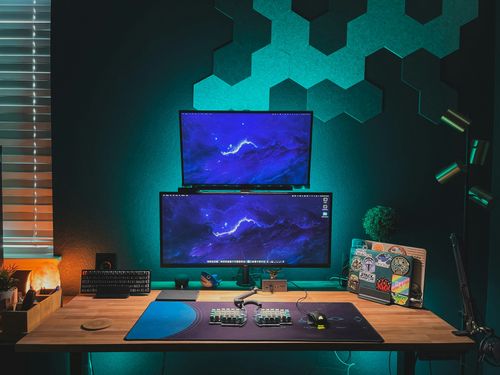
Source: desksetups.net
The chair: comfort that still tucks in
Your chair should support you and still slide under the desk. This keeps aisles clear and makes the room feel bigger.
- Seat height: adjust so feet are flat and thighs are level
- Seat depth: leave two to three fingers between the seat edge and the back of your knee
- Lumbar: keep a gentle S-curve in your lower back
- Armrests: adjust to elbow height and make sure they tuck under the desk
If space is tight, consider armless or flip-up armrests. In a small room ergonomic desk setup layouts, a chair that tucks in saves real space. Avoid bulky gaming chairs. I made that mistake once; it ate half the room.

Source: lillipad.com
Monitor, keyboard, and mouse alignment
Small rooms push gear close together. Good alignment keeps your wrists and neck happy.
- Monitor distance: about an arm’s length (20–28 inches for most people)
- Monitor height: top of screen at or slightly below eye level
- Keyboard: flat or with a slight negative tilt to keep wrists straight
- Mouse: right next to the keyboard; avoid reaching
Laptop users should use a stand and an external keyboard and mouse. For small ergonomic desk setup use, a single large monitor often beats two smaller screens in tight spaces. If you code or read long pages, consider a vertical monitor to reduce scrolling.
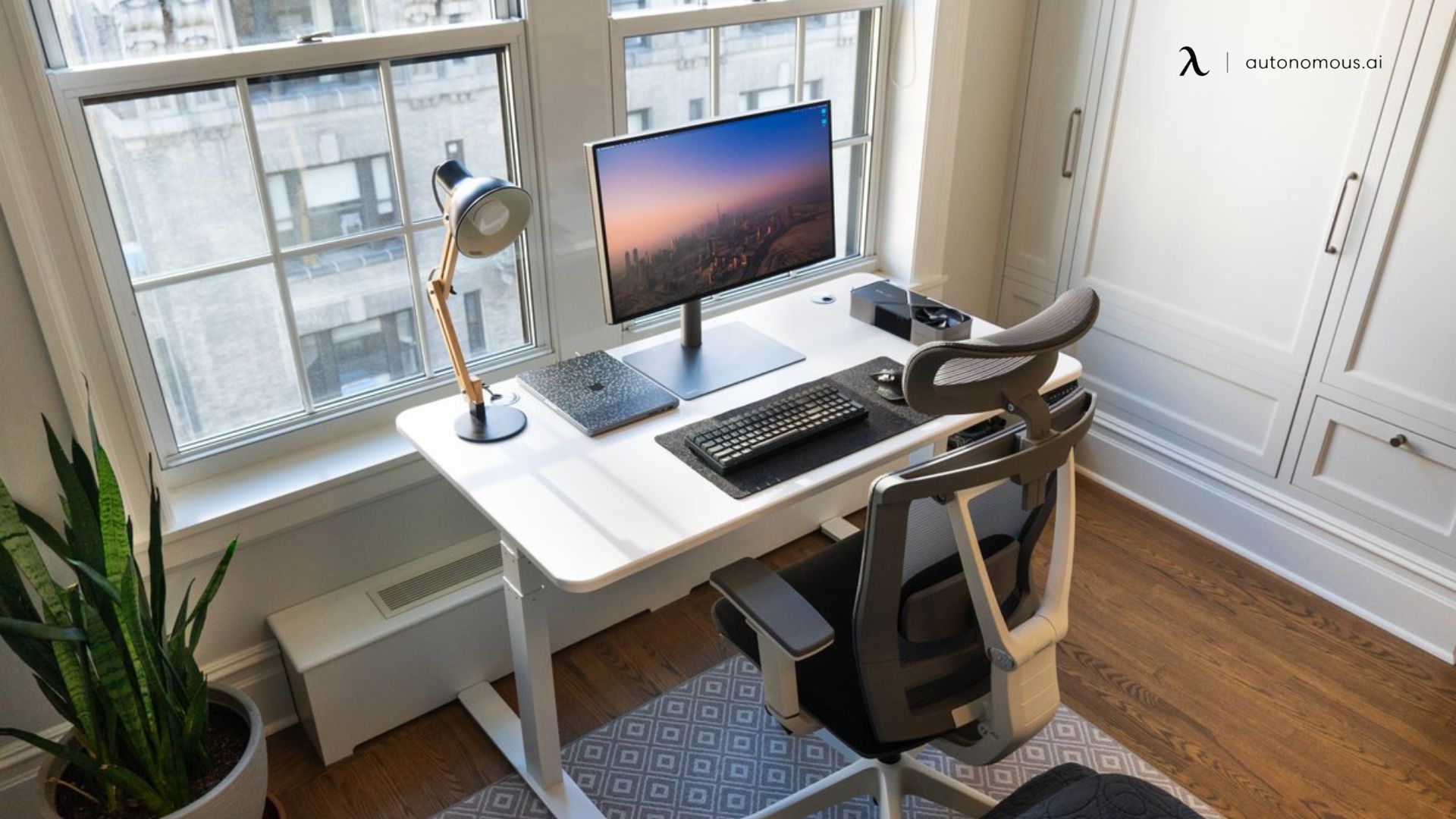
Source: autonomous.ai
Lighting and glare control in a small room
Good light saves your eyes and sharpens mood. You do not need a big window to get it right.
- Use a task lamp with 300–500 lux on the desk
- Choose neutral white light around 4000K for clear text
- Place the lamp at a 30-degree angle to the screen to cut glare
- Keep windows to the side when possible; add sheer curtains or blinds
An ergonomic desk setup for small areas should avoid direct light on the screen. I swapped a glossy monitor for a matte one in a bright room. Eye strain dropped fast. A small fan also helps air flow and focus in tight spaces.

Source: urbanicafurniture.com
Cable, power, and storage that declutter
Clutter feels louder in small rooms. Hide cables and go vertical with storage.
- Mount a surge protector under the desk with right-angle plugs
- Use a cable tray, Velcro ties, and a sleeve for visible runs
- Add a pegboard or rail above the desk for tools and headphones
- Use a rolling cart or a slim drawer unit beside or under the desk
For an ergonomic desk office setup for small space work, keep only daily-use items within arm’s reach. Store seasonal or rare items elsewhere. A clean desk cuts stress and helps you sit well.
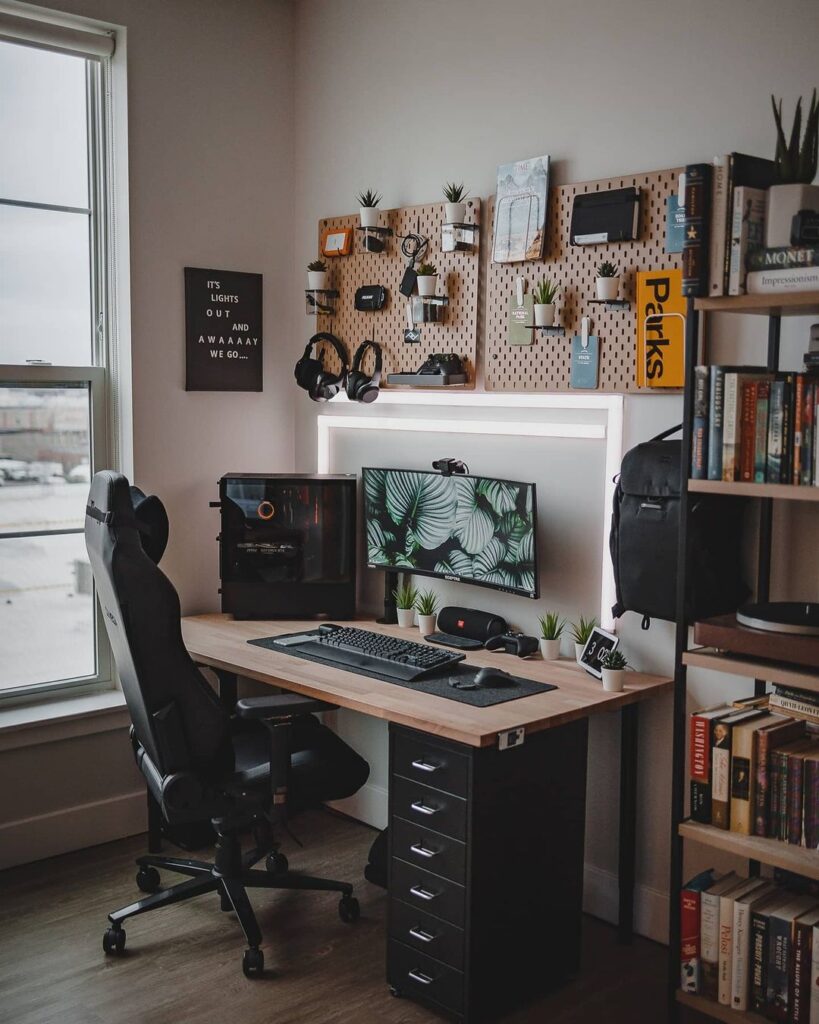
Source: minimaldesksetups.com
Sample layouts that make a small room work
These starter layouts fit common small-room sizes. Adjust for doors and windows.
6×8 room
- Wall-mounted desk on the long wall, 42 inches wide
- Slim chair that tucks in, rolling cart on the side
- Single 27-inch monitor on an arm, task lamp, and pegboard
8×10 room
- Corner desk in the far corner to open floor space
- Two monitors on a dual arm or one ultrawide
- Floor lamp behind the monitor, drawer unit under the return
A tight bedroom office
- Fold-down desk facing a window with sheer curtains
- Armless chair, laptop on a stand, wireless keyboard and mouse
- Floating shelf above for books and storage bins
Each setup follows the same rule: clear the floor, go vertical, and keep posture neutral. This is the heart of any ergonomic desk setup plan.

Source: eurekaergonomic.com
Daily habits that protect your body
Your setup matters. Your habits seal the deal.
- Try the 20-8-2 pattern each hour: 20 minutes sit, 8 minutes stand, 2 minutes move
- Use the 20-20-20 eye rule: every 20 minutes, look 20 feet away for 20 seconds
- Do quick stretches for neck, wrists, and hips across the day
- Keep water at your desk and set gentle timers
In my routine, a one-minute walk between tasks resets my back and focus. An ergonomic desk setup for small spaces works best when your body also gets short breaks.
Budget and smart shopping checklist
You can build a strong setup at any budget. Choose the items that hit your needs first.
Starter budget
- Wall-mounted or folding desk, simple breathable chair
- Laptop stand, basic keyboard and mouse
- Clip-on task light, cable ties
Midrange
- Narrow electric sit-stand desk
- Adjustable ergonomic chair with lumbar support
- Single 27–32 inch monitor on a VESA arm
- Under-desk cable tray and surge protector
Premium
- Compact sit-stand desk with memory presets
- Chair with adjustable seat depth, lumbar, and 4D armrests
- Ultrawide monitor, high-load monitor arm
- Acoustic panels and dimmable smart lighting
Checklist for an ergonomic desk setup:
- Desk that fits the space and your height
- Chair that tucks in and supports lumbar
- Monitor at correct height and distance
- External keyboard and mouse with good wrist angles
- Task light, cable management, and vertical storage
Frequently Asked Questions of Ergonomic desk setup for small room
What is the ideal desk depth for a small room?
Aim for 20–24 inches deep if you use a monitor arm. That depth supports proper viewing distance without crowding the room.
Can I use a laptop without an external monitor?
Yes, but raise the laptop on a stand and add an external keyboard and mouse. This keeps your neck and wrists in a neutral posture.
How high should my monitor be?
Set the top of the screen at or slightly below eye level. Your eyes should look slightly down at the center of the screen.
Is a standing desk worth it in a small space?
Yes, if you choose a narrow model and a monitor arm. It helps you move more while keeping posture healthy.
How do I reduce cable clutter?
Mount a power strip under the desk and use a cable tray and Velcro ties. Group cables by device and label both ends.
Will a corner desk improve space use?
Often yes. Corner desks open floor space and add knee room, which helps comfort in small rooms.
How many times should I use the phrase ergonomic desk setup for small office?
Use it when it fits the topic and improves clarity. It helps search engines understand the content, but keep it natural.
Conclusion
A small room does not limit your comfort or focus. With clear measurements, the right desk and chair, and good habits, you can build an ergonomic desk setup place work that feels open, calm, and efficient. Keep posture neutral, go vertical with storage, and control light and cables.
Start with one change today: adjust your monitor height or add a keyboard tray. Then layer the rest, step by step. If this guide helped, share it, subscribe for more small-space tips, or leave a comment with your room size and gear—let’s fine-tune your setup together.