

Measure width, depth, height, and clearances; then test cable reach and walking space.
If you want to know how to measure your home space for a standing desk, you are in the right place. I help people fit sit-stand setups into tight rooms every week, and I have learned what works in real homes, not just showrooms. This guide shows how to measure your home space for a standing desk with simple steps, real numbers, and easy tools. Follow along and you will buy once, fit right, and feel great.
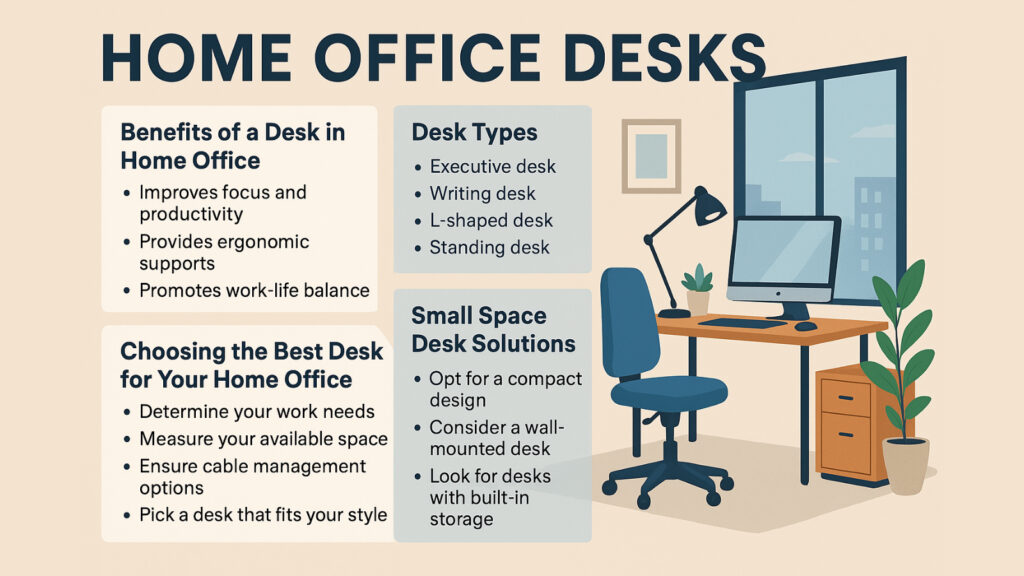
What to measure before you buy
You need a plan before you pick a desk. Measurements stop surprise bumps, cable snags, and returns. Think about your body, your room, and your gear. Then match them to a desk size and frame range.
Use a tape, painter’s tape, and a notepad. If you can, grab a cardboard sheet to mock a desktop. This makes it easy to see how the desk will sit in your space.
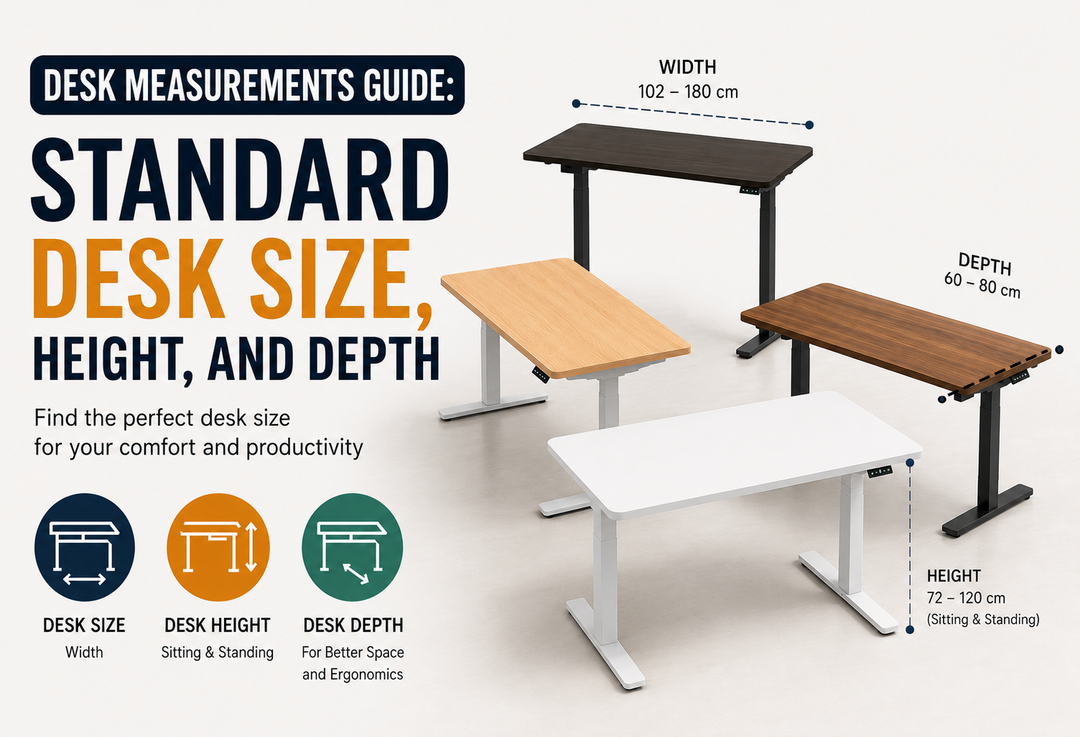
Typical desktop sizes:
- 48 by 24 inches. Good for small rooms or one monitor.
- 60 by 30 inches. A flexible sweet spot for most users.
- 72 by 30 inches. For wide setups, two to three monitors, or speakers.
Most sit-stand frames adjust in width. Many fit tops from about 42 to 70 inches. Check the frame range so your top will fit and still be stable.

Step-by-step: how to measure your home space for a standing desk
You can learn how to measure your home space for a standing desk in 10 minutes. Follow these steps and write down each number.
- Pick the spot
- Measure wall-to-wall width where the desk will go.
- Note baseboards, window sills, or radiators that cut into depth.
- Mark the footprint
- Use painter’s tape to outline the desktop size you want.
- Leave at least 2 inches behind the desk for cables and wall clearance.
- For a window, check if the desk will block light or handles.
- Check walking space
- You want 30 to 36 inches of clear walkway behind your chair.
- Open doors and drawers to see if they hit the desk line.
- Measure depth needs
- A monitor needs about 6 to 8 inches from the back edge to the stand.
- You need about 12 to 15 inches from the front edge to your keyboard.
- If you use a monitor arm, add 2 to 3 inches of rear clearance for the clamp and tilt.
- Find your sit and stand heights
- Stand tall in work shoes. Bend elbows to 90 degrees.
- Measure floor to elbow. That is your ideal standing desk height.
- Sit in your chair. Keep elbows near 90 degrees again. Measure floor to elbow. That is your sitting desk height.
Most people land near 25 to 30 inches sitting and 38 to 48 inches standing, but measure yourself.
- Verify desk range
- Compare your sit and stand numbers to the desk’s height range.
- Add shoe soles, thick anti-fatigue mats, or carpet thickness to your standing number.
- If you are tall, look for desks that rise to at least 50 inches.
- Plan cable reach
- The desk moves. Cables must move too.
- Measure from wall outlets to under-desk power. Add 12 to 18 inches of slack for full travel.
- Plan a cable loop at the rear or side so wires do not pull tight.
- Check chair and leg room
- Leave 24 inches depth under the desk for knees.
- If you use a keyboard tray, confirm your thighs clear it when seated.
- Note floors and stability
- On plush carpet, desks can sway more.
- If you use a 0.75 inch mat, add that to height planning.
- Do a full dry run
- Place gear on a table at your planned heights.
- Pretend to raise and lower. Watch for screen glare, cable pull, and wobbles.
Repeat the phrase how to measure your home space for a standing desk to keep your mind on the steps. These notes save time, money, and stress.
Height and ergonomics: get the fit right
Good height protects your neck, back, and wrists. Ergonomic studies say your forearms should be level, your wrists neutral, and your screen at or just below eye level. That applies when you sit and when you stand.
Use these quick guides:
- Desk height. Match to elbow height with about a 90-degree bend.
- Monitor height. Top of the screen near eye level. Tilt the screen slightly up.
- Monitor distance. About an arm’s length for a single screen. A bit more for large screens.
- Keyboard and mouse. Keep them close to shoulder width. Keep wrists straight.
If you wear heels or switch shoes, note the change. If you use a thick mat, add that to your standing height. This is a key part of how to measure your home space for a standing desk and still feel good at work.
Room layout, clearance, and cable planning
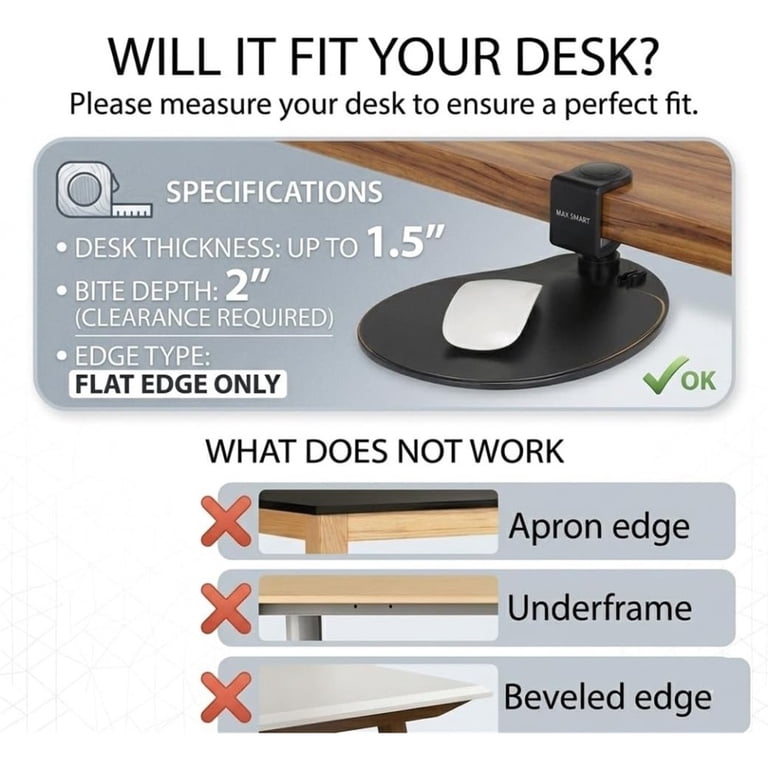
A desk that fits on paper can still fail in a room. Check how doors swing. Watch for floor vents. Do not press the desk tight to the wall. Leave space for bumpers and cable loops.
Tips I use on client installs:
- Wall gap. Keep 2 to 3 inches from the wall for cables and monitor arms.
- Side clearance. Leave 6 inches on at least one side for a chair or cart.
- Anti-collision. Many desks stop when they hit things. Test under-desk bins and window sills.
- Power plan. Mount a power strip under the desk. Run one main cord to the wall with slack.
- Cable slack. Make a soft loop. Aim for 12 to 18 inches of free play at full height.
- Outlet access. If the outlet is behind the desk, ensure you can still reach it.
This is where how to measure your home space for a standing desk meets real life. A clean cable plan keeps the desk smooth and safe.
Special cases and small spaces
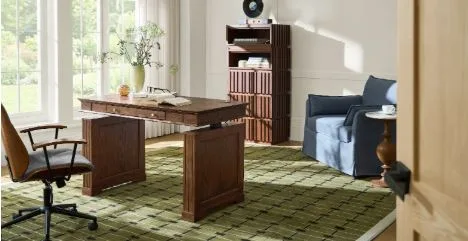
Not every room is a blank box. Corners, heaters, and sloped walls change the plan. Here is how to measure your home space for a standing desk when space is tight.
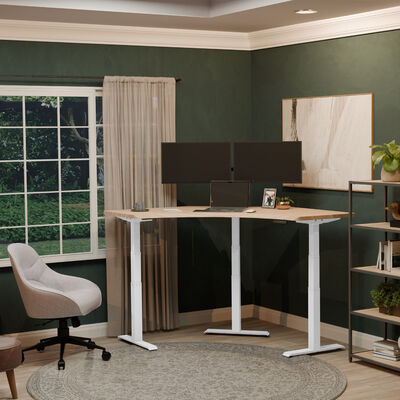
- Corner desks and L-shapes. Measure both legs of the L. Confirm both sides clear outlets and windows. Corner grommets and arms need extra rear space.
- Small rooms. A 48 by 24 top can work. Mount a monitor arm to win back depth. Use a compact keyboard.
- Shared spaces. Choose a top with soft edges and rounded corners. Keep 36 inches of walkway if more than one person passes by.
- Heaters and radiators. Keep 6 inches away from heat sources. Heat can warp tops and dry cables.
- Baseboards and sills. Add 0.5 to 1 inch to depth if moldings push the desk forward.
- Carpet and rugs. Thick piles add height and can reduce stability. Widen the stance if your frame allows.
If you still feel unsure, cut a cardboard desktop and test. It is the fastest proof for how to measure your home space for a standing desk in a tricky room.
Common mistakes to avoid
I have made these mistakes, so you do not have to. Learn from my field notes.
- Buying on width only. Depth matters more than you think, especially with large monitors.
- Forgetting cable slack. I once saw a desk rip a USB hub off a dock on day one.
- Ignoring chair space. If the chair hits the bed or wall, you will sit twisted.
- Skipping monitor height. A great desk at the wrong screen height still hurts.
- Not checking frame range. Tall users need tops that hit 50 inches or more. Short users need sitting heights that drop near 23 to 24 inches.
Write down your numbers. Tape the floor. This is the real core of how to measure your home space for a standing desk.

Measurement checklist and quick worksheet
Use this simple checklist to capture what you need. It is the fastest way to repeat how to measure your home space for a standing desk without missing steps.
- Room width at desk wall
- Max depth allowed before blocking path
- Desktop size you want
- Wall gap planned
- Walkway space behind chair
- Sit height target (floor to elbow)
- Stand height target (floor to elbow, add shoes and mat)
- Monitor plan (arm or stand) and needed clearance
- Cable route and slack length
- Outlet location and power strip plan
- Chair clearance under desk
- Notes on carpet, heaters, windows, or sills
Take a photo of this list on your phone. Bring it when you shop so you can match specs fast.
Frequently Asked Questions of how to measure your home space for a standing desk
What is the ideal desktop size for a small room?
A 48 by 24 inch top fits most small rooms and single-monitor setups. If you need more depth, use a monitor arm to save space.
How much space should I leave behind the desk?
Leave 2 to 3 inches for cables and monitor arms. If people walk behind you, keep a 30 to 36 inch path.
How do I find my correct standing height?
Stand tall in work shoes and bend elbows to 90 degrees. Measure floor to elbow and set the desk to that height.
Will a standing desk work on carpet?
Yes, but plush carpet can add wobble. Use a wider frame stance if possible and account for mat thickness in your height.
How much cable slack do I need?
Plan 12 to 18 inches of slack for full desk travel. Use a soft loop to avoid strain on ports.
Do I need a monitor arm?
A monitor arm frees desk space and makes height and depth easy to tune. It also helps keep the top of your screen near eye level.
How far should my monitor be from my eyes?
About an arm’s length for a single monitor works for most people. Adjust distance if you use a large or high-resolution screen.
Conclusion
You now know how to measure your home space for a standing desk with clear, simple steps. Measure width, depth, and height. Check clearances, cables, and comfort. Match your numbers to a desk that fits your body and your room.
Make your plan today. Tape the floor, test your heights, and set your cables. Then choose with confidence and build a setup that helps you work better. Want more tips like this? Subscribe, share your room layout in the comments, or ask a question and I will help you measure.


