
Set up two flexible work zones, pick posture-first gear, and agree on rules.
If you want a calm, healthy space for two, you are in the right place. I have helped many partners build work areas that support real bodies and real schedules. This guide shows how to design an ergonomic home office for couples with smart gear, simple habits, and layouts that fit your life. Read on to make a shared office that feels fair, focused, and fatigue-free.
Start With A Joint Plan
Before you buy a chair or desk, plan together. List what each of you needs to do great work. Note meeting times, noise levels, and gear.
Do a space audit. Measure wall lengths, window spots, outlets, and Wi‑Fi strength. A short plan saves cash and stress later.
Set shared rules. Decide when to mute mics, how to handle calls, and where to store cables. This is how to design an ergonomic home office for couples that works day after day.
Agree on a safe walkway. Keep paths clear and cords covered. It cuts trip risks and helps you move more.
Choose Ergonomic Furniture For Two
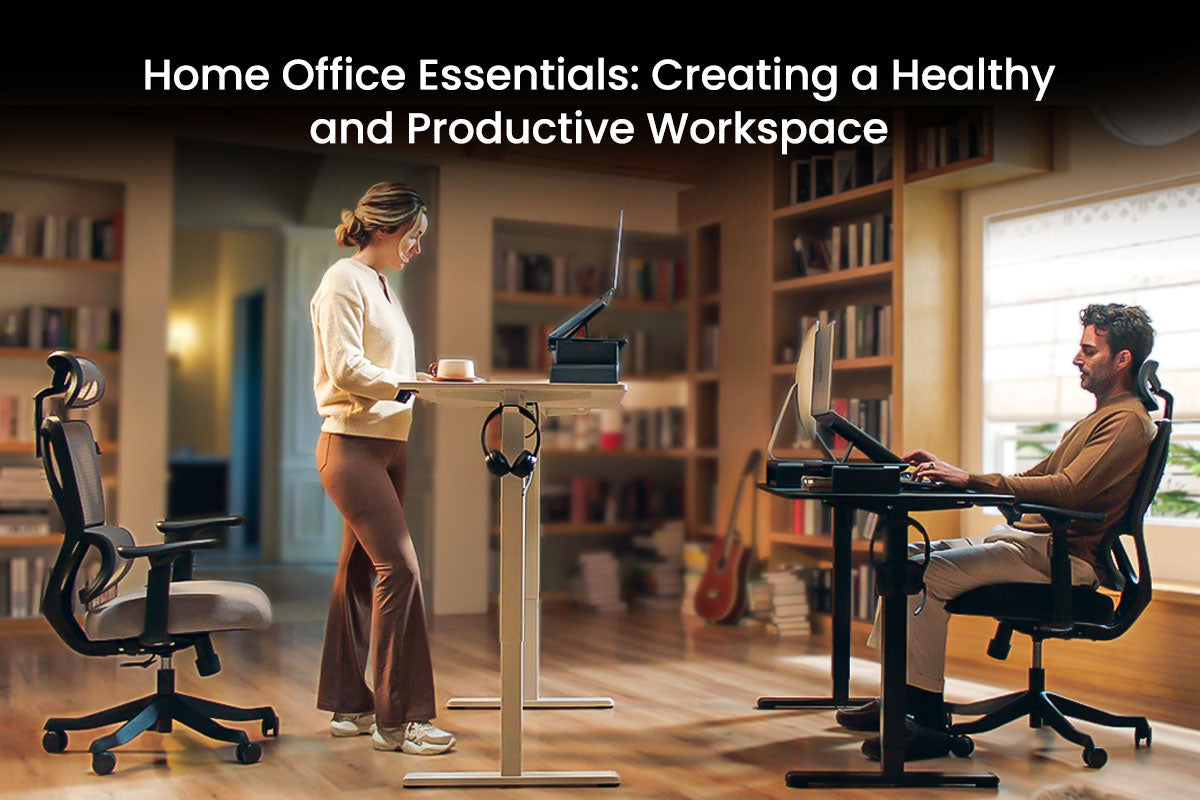
Start with adjustable desks. A sit-stand desk helps blood flow and focus. Pick a range that fits both partners’ heights. Look for low noise motors and memory presets.
Select chairs that fit. Aim for seat height that lets feet rest flat. Get lumbar support, seat depth control, and tilt lock. Mesh backs breathe well in warm rooms.
Use arm-friendly surfaces. Rounded desk edges cut pressure on forearms. A desktop at elbow height helps your shoulders relax. This is key in how to design an ergonomic home office for couples.
Plan storage within reach. A small drawer unit keeps tools close. Place it to the side, not under knees.
Shared Desk Or Dual Desks?
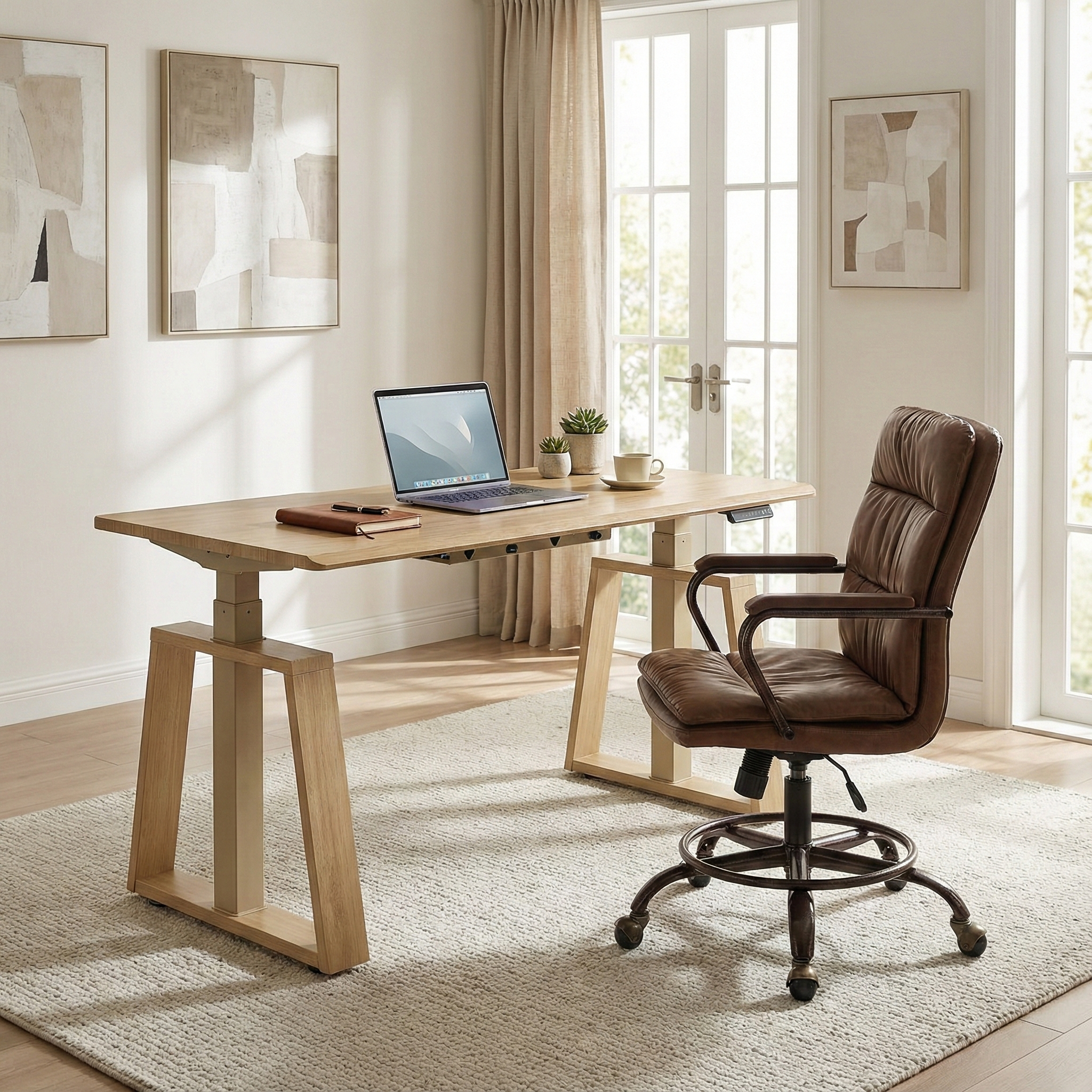
A shared desk saves space and budget. It works if you do deep work at different times. Use clamp dividers and dual monitor arms to split zones.
Dual desks give more control. Each person sets height and tilt. This helps if your bodies or tasks are very different. It also lowers noise clashes.
Hybrid setups also work. One big table on one side, a compact desk on the other. That mix can solve the classic tug of war in how to design an ergonomic home office for couples.
Monitor, Keyboard, And Mouse Setup
Place the top of your screen at or just below eye level. Keep the monitor about an arm’s length away. This eases neck load and eye strain.
Use separate keyboards and mice. Keep elbows near 90 degrees and wrists neutral. A low-profile keyboard reduces wrist bend.
Laptop users need stands. Raise the screen and add external input devices. These simple steps define how to design an ergonomic home office for couples that avoids pain.
Follow the 20-20-20 rule. Every 20 minutes, look 20 feet away for 20 seconds. It helps your eyes reset.

Chairs And Posture That Last
Adjust seat height so thighs are level or slightly down. Feet should rest flat or on a footrest. This spreads pressure and boosts blood flow.
Set lumbar support to match your spine curve. You should feel support at the small of your back. Keep shoulders loose and down.
Use posture cues. Place a sticky note that says relax your jaw. Small prompts help, and they are part of how to design an ergonomic home office for couples that you can stick with.
Rotate sits and stands. Aim for short sit-stand cycles across the day. Short moves beat long, rare changes.

Light, Glare, And Color Comfort
Use layers of light. Mix a bright overhead with warm task lamps. Aim light at the desk, not at your eyes.
Cut glare. Place monitors at a right angle to windows. Close blinds for video calls. Anti-glare filters help when light is hard to tame.
Balance color temp. Cool light wakes you in the morning. Warmer light calms late in the day. Tuning light is a smart part of how to design an ergonomic home office for couples.
Add plants. They soften the look and can reduce stress.
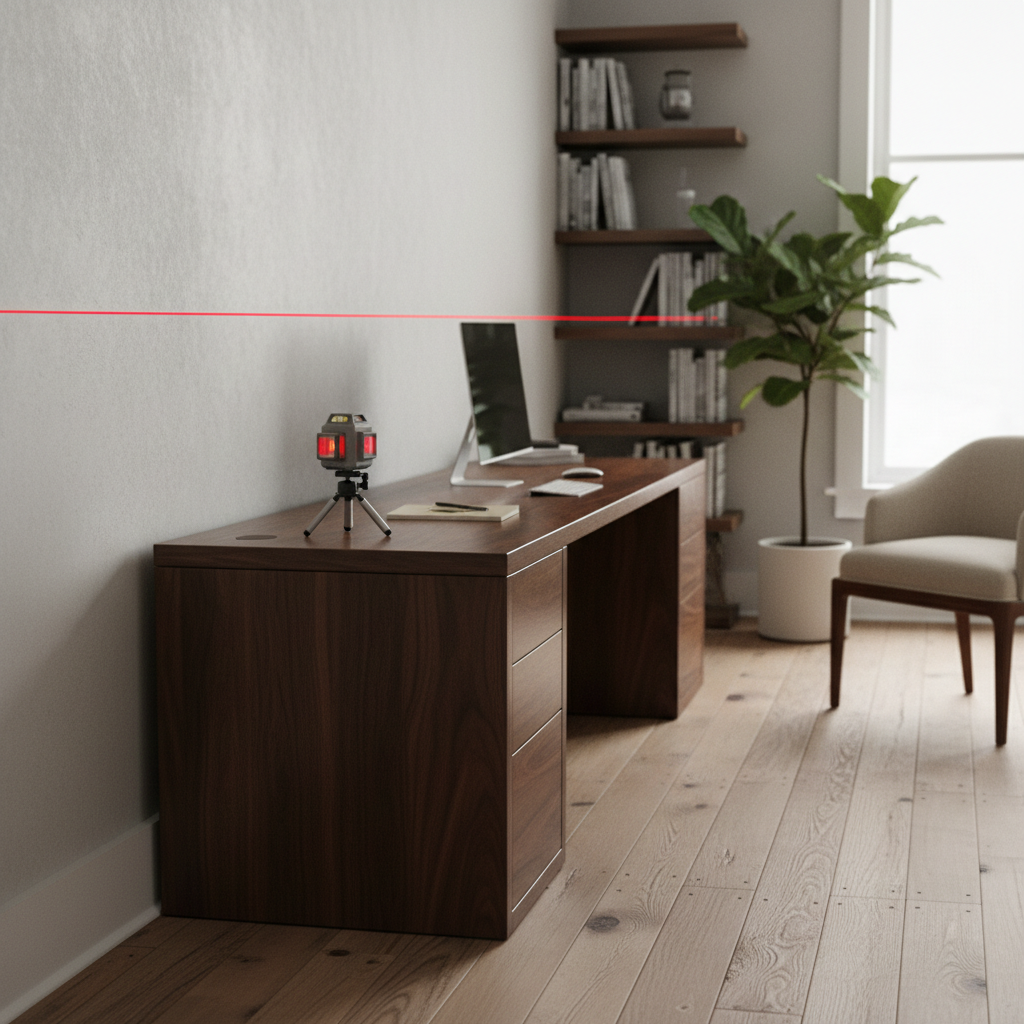
Sound, Acoustics, And Privacy
Use soft items to absorb noise. Rugs, curtains, and bookcases help a lot. Foam panels can help too, but you may not need them.
Create call zones. Agree on a corner or booth for meetings. A folding screen works in tight homes.
Use headsets with noise canceling. It cuts fatigue and improves your voice on calls. Good audio is central to how to design an ergonomic home office for couples when both join meetings.
Set a light signal. A small desk light can show when you are live.
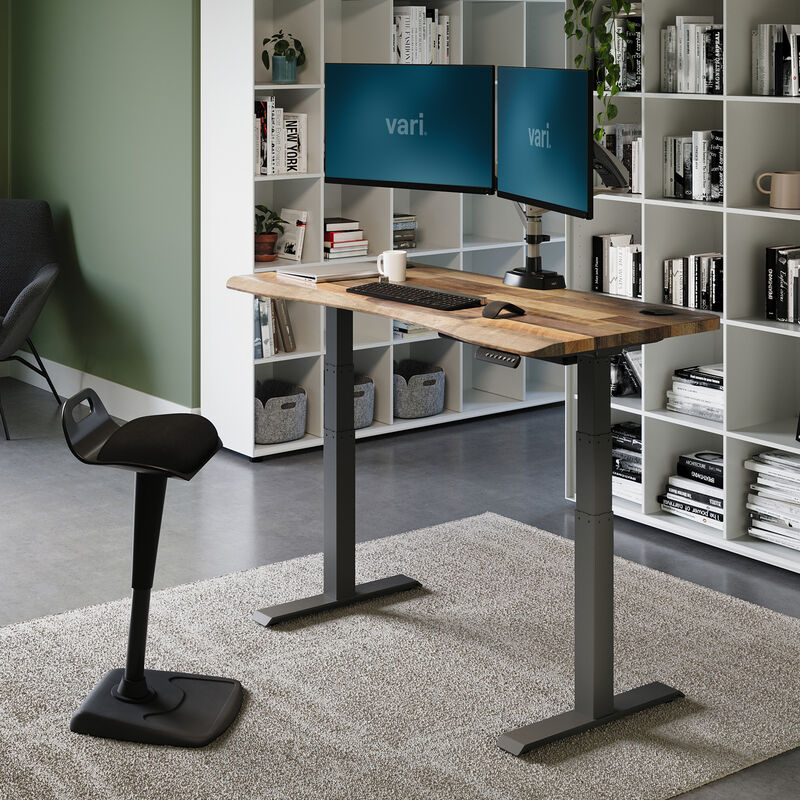
Cables, Power, And Tech Hygiene
Mount a cable tray under the desk. Use Velcro ties, not plastic zip ties. Label each cord at both ends.
Use surge protectors with enough outlets. Place them where your feet will not hit them. A desk grommet or clamp hub keeps ports handy.
Set a charging station. Keep phones off the keyboard area. This clears space and helps you focus. It is a small but strong step in how to design an ergonomic home office for couples.
Back up files. Use cloud and one local drive. Agree on a routine for updates.
Routines, Breaks, And Body Care
Stiffness builds in silence. Set breaks. Use a timer or app that you both accept. A shared chime keeps you in sync.
Do micro-moves. Roll shoulders, stand up, and stretch calves. Drink water often. Short moves beat long workouts at the end of the day.
Build rituals. Start with a two-minute desk reset each morning. End with a five-minute tidy. These habits cement how to design an ergonomic home office for couples that feels calm.
Keep a small care kit. Include eye drops, lip balm, and a band for light pulls.
Budget And Smart Shopping
Set a total budget first. Then split it into must-haves and nice-to-haves. Chairs and monitors matter more than decor.
Shop by fit, not hype. Check seat height ranges, desk stability, and warranty terms. Try before you buy when you can.
Buy in phases. Start with chairs, desks, and lights. Add extras later. This stepwise plan is real-world advice on how to design an ergonomic home office for couples without waste.
Watch for sales. End-of-quarter and holiday deals can save a lot.
Sample Layouts For Real Homes
Small nook setup. Two compact desks back-to-back. Use a rug to define the zone. Place a shared file cart between.
Guest room swap. One long sit-stand desk against a wall. Add a rolling side table as a second perch. Store guest bedding up high.
Open-plan fix. Face desks the same way to avoid eye contact. Use a low shelf as a divider. These patterns show how to design an ergonomic home office for couples in many homes.
Test and tweak. Move one item at a time. Note how it feels after a week.
Maintain And Improve Together
Hold a 10-minute check-in each Friday. What hurt? What helped? Log small wins and pains.
Adjust one variable at a time. Change chair height, not five things. This shows what works.
Review twice a year. Bodies, tasks, and seasons change. Update light, storage, and routines. This is the living part of how to design an ergonomic home office for couples.
Share the load. Split cleaning, updates, and returns. It keeps the peace.
Frequently Asked Questions of how to design an ergonomic home office for couples
How do we align desk height when we are different heights?
Choose sit-stand desks with broad ranges and saved presets. Set each preset to match elbow height for each person.
What is the best chair choice for two people?
Pick chairs with seat height, depth, lumbar, and arm adjustments. If budgets allow, buy two chairs so each body gets a true fit.
How can we reduce noise during overlapping calls?
Use noise-canceling headsets and soft surfaces like rugs and curtains. Set a shared call zone or rotate rooms when needed.
Where should we place monitors to avoid neck pain?
Keep screens at arm’s length with the top at or just below eye level. Use arms or risers so both partners can fine-tune height.
How do we keep the space tidy with so many cables?
Install an under-desk tray, label cords, and use Velcro ties. Add a clamp hub on the desktop for quick access and less clutter.
Conclusion
You now have a clear path to build a shared space that feels fair, quiet, and kind to your body. Start small, set rules together, and let the setup evolve as your work does. This is how to design an ergonomic home office for couples that lasts for the long run.
Pick one upgrade this week, like chair fit or light. Then add a weekly check-in to keep momentum. Want more guides like this? Subscribe, share your layout wins, or drop a comment with your toughest room challenge.


