
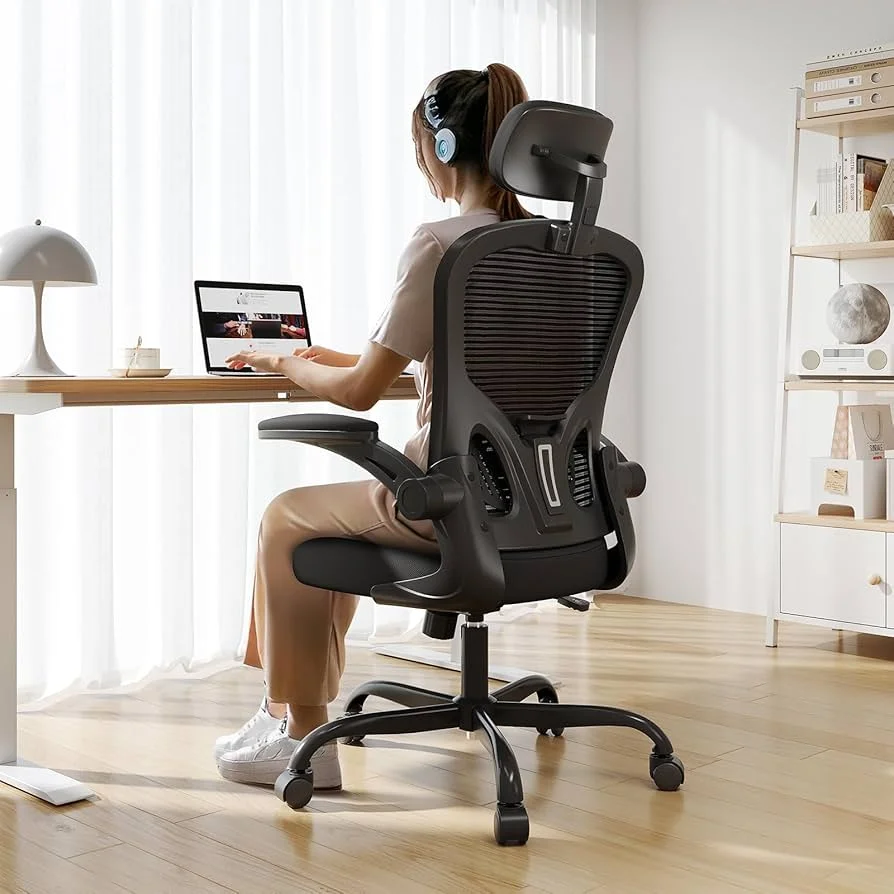
An adjustable ergonomic chair is a task chair designed to fit your body and work setup. It offers movable seat height, lumbar support, armrests, recline or tilt tension, and often a headrest. These settings help you keep a neutral posture, reduce pressure on your spine, and stay comfortable during long hours at a desk while minimizing strain and injury risk.
Many of us sit for long stretches to study, code, write, or design. A chair that does not fit can lead to sore backs, tight necks, and tired shoulders. Over time, this can affect focus and mood. An adjustable ergonomic chair helps your body work with your desk, not fight it. Small changes in support can make a big difference in comfort and health.
What Is an Adjustable Ergonomic Chair?
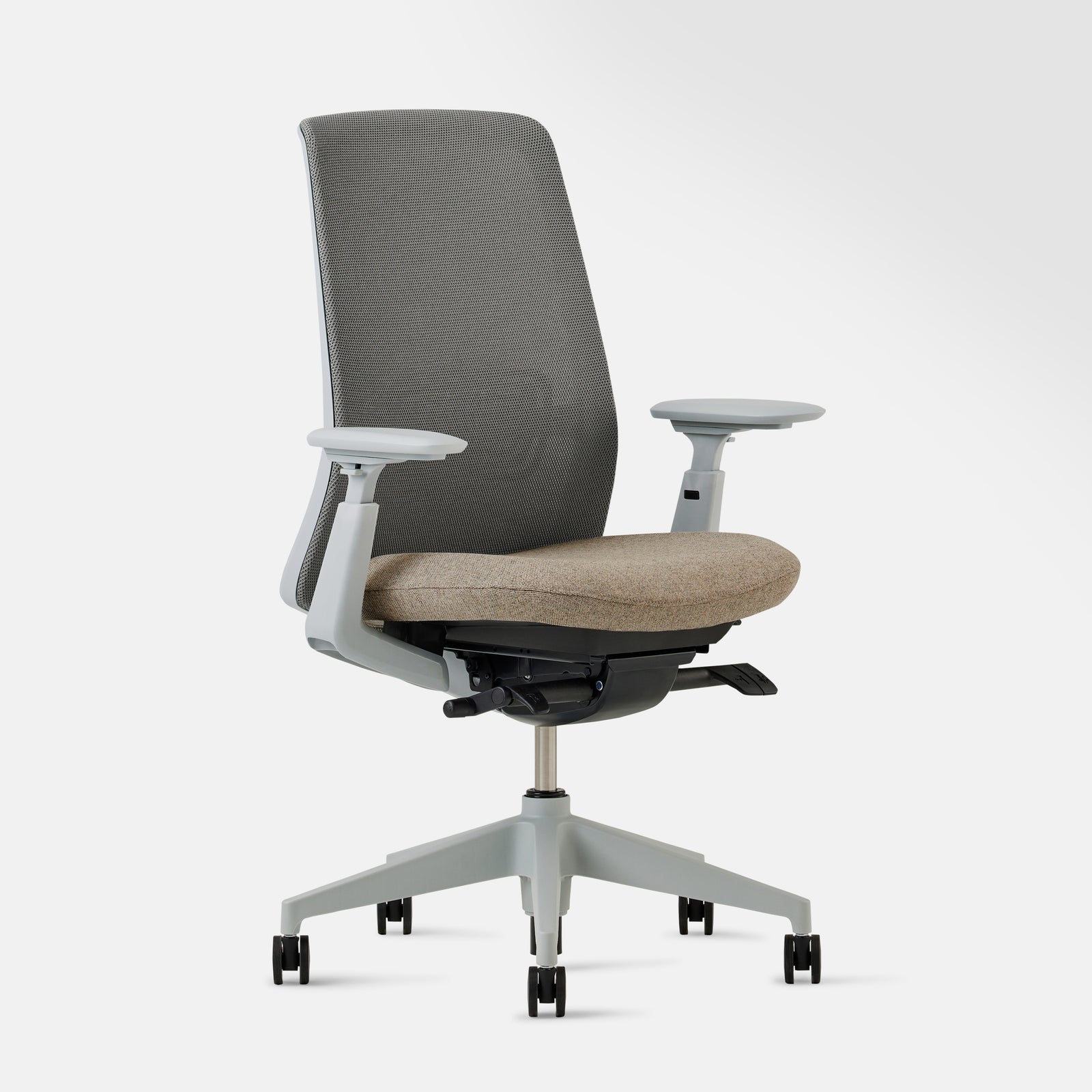
An adjustable ergonomic chair is a seat built to support your body’s natural shape. It lets you change more than the height. You can fine-tune the backrest, armrests, tilt, and sometimes the headrest. The goal is a neutral posture where your joints stack well and your muscles do not overwork. Good fit beats force. The chair adapts to you, not the other way around.
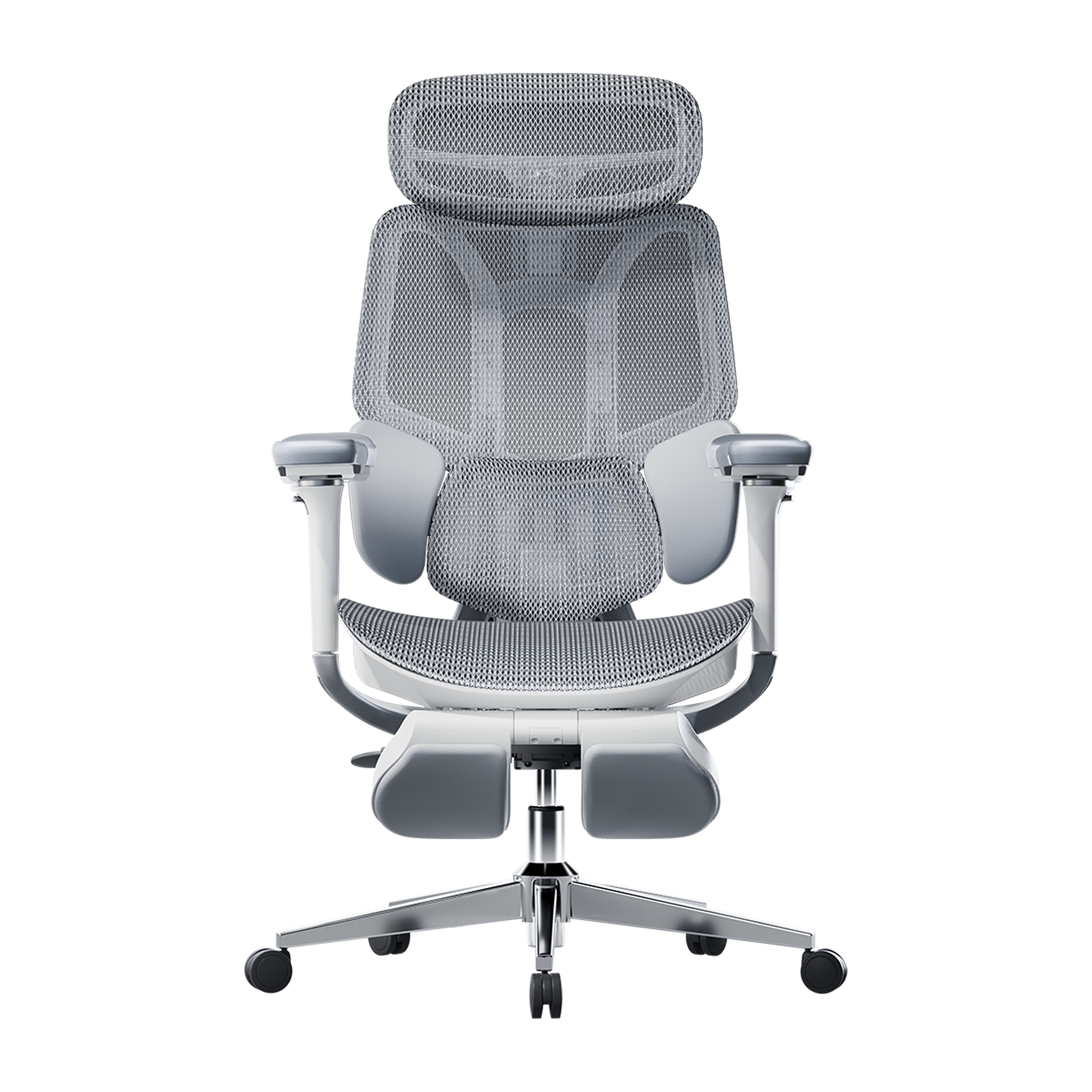
Unlike fixed chairs, ergonomic models focus on alignment. They help your feet rest flat, your knees bend near 90 degrees, and your hips sit level. Your low back gets support. Your wrists relax. Your head stays over your shoulders. These cues cut stress on your spine and help you sit longer with less pain.
Key Adjustable Features of an Ergonomic Chair
Every body is different. That is why adjustable parts matter. The right tweaks make daily sitting safer and easier. Look for these core features and learn how to use them.

- Seat height
- Aim for feet flat on the floor. Knees should be at hip level or slightly lower.
- Use the lever to raise or lower until thighs are level and weight spreads evenly.
- Seat depth
- Ideal for long legs or short legs. Leave a small gap (about two to three fingers) between the seat edge and the back of your knees.
- Some chairs slide the seat pan forward or back.
- Lumbar support
- Your lower back curves inward. A lumbar pad should meet that curve.
- Adjust the height and depth so it fills the space without pushing too hard.
- Backrest recline and tilt tension
- A slight recline (100–110 degrees) eases disc pressure.
- Set tilt tension so you can lean back with control and return upright without effort.
- Armrests
- Adjust height so shoulders relax and elbows bend near 90 degrees.
- Width or pivot can bring the pads closer to your torso, easing wrist strain.
- Headrest (if included)
- Support the base of the skull, not the neck alone.
- Use it when reclining, not when typing, to avoid pushing your head forward.
- Swivel and casters
- Smooth swivel reduces twisting your spine to reach items.
- Choose casters that match your floor for better glide and safety.
Benefits of Using an Adjustable Ergonomic Chair
A good chair does more than feel nice. It supports the way your body moves and rests. With the right setup, your back, neck, and hips all share the load. That means fewer aches and less fatigue. It also boosts focus because you spend less energy fighting discomfort.
- Better posture
- Aligns your ears, shoulders, and hips. Keeps your spine’s natural curves.
- Trains good habits without constant effort.
- Less pain and strain
- Reduces pressure on discs, nerves, and joints.
- Eases tight shoulders and neck by setting arm and head support right.
- More comfort and stamina
- You sit longer with less fidgeting and fewer breaks for pain.
- Smooth recline lets you shift positions and keep blood flowing.
- Higher productivity
- Comfort frees your mind to think and create.
- Small gains add up over hours, days, and weeks.
- Long-term health
- Good support helps prevent overuse injuries.
- May lower risk of chronic back and neck issues linked to poor seating.
Who Should Use an Ergonomic Chair?
Anyone who sits for work or study can benefit. If you spend two or more hours a day at a desk, you have a lot to gain from better support. These chairs serve many roles and many bodies.

- Students
- Long reading and typing sessions are common. Support helps you focus and learn.
- A chair that grows with you is a smart pick for dorms or home study areas.
- Office workers
- Daily tasks like typing, calls, and meetings add up. Reduce the toll on your spine.
- Proper armrest and desk height improve wrist and shoulder comfort.
- Remote workers
- Home setups vary. An adjustable chair adapts to kitchen tables, standing desks, or tight spaces.
- If you move between rooms, quick adjustments protect posture.
Ergonomic Chair vs Regular Chair
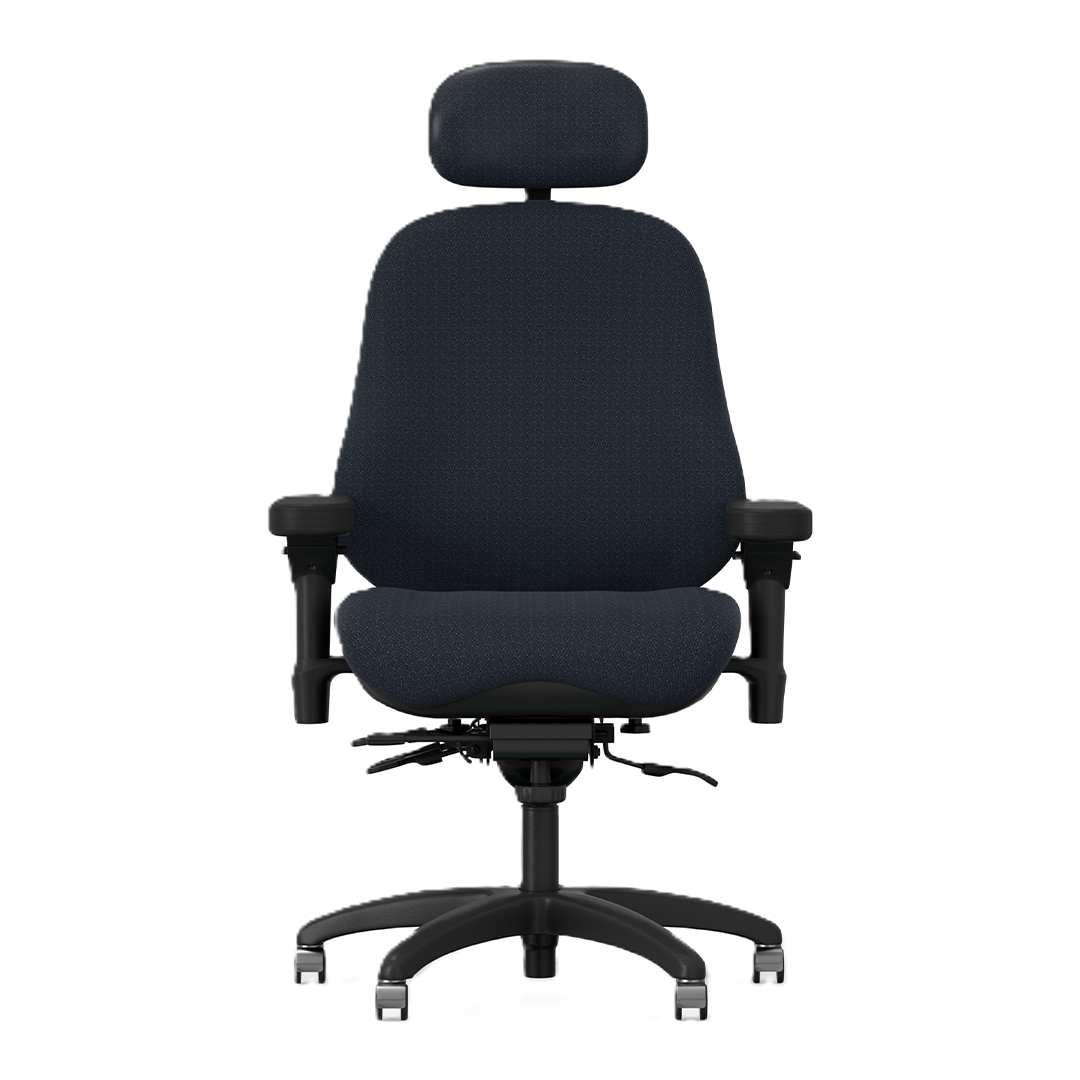
A regular chair often looks fine but fails at fit. It may be too tall, too deep, or too rigid. Over time, that mismatch causes slouching and pain. An ergonomic chair offers precise support and easy changes. This fit first approach helps you sit well through a full day.
| Feature | Ergonomic Chair | Regular Chair |
|---|---|---|
| Adjustability | Multi-point (height, depth, arms, tilt, lumbar) | Little or none |
| Posture support | Supports natural spine curves | Often flat or curved the wrong way |
| Comfort over time | High, with micro-adjustments | Drops as stiffness or fatigue sets in |
| Suitability for long work | Designed for hours of use | Best for short, casual sitting |
| Injury risk | Lower with correct setup | Higher due to fixed positions |
Common Mistakes When Using Ergonomic Chairs
Even the best chair cannot help if used the wrong way. Small errors can undo key benefits. Here are common pitfalls and how to avoid them.
- Setting the seat too high
- Feet dangle and thighs press into the edge. Drop the seat until feet rest flat.
- Ignoring lumbar support
- A gap at the low back leads to slouching. Raise and deepen the support to meet your curve.
- Armrests too high or too wide
- Shoulders hike up or elbows splay out. Lower and bring them closer so arms hang relaxed.
- Sitting bolt upright all day
- Rigid 90-degree posture tires muscles. Use a slight recline and change positions often.
- Skipping desk and monitor setup
- A great chair cannot fix a poor desk height or low screen. Match chair height to desk and lift the monitor to eye level.
FAQs
Q1: How should I sit in an ergonomic chair?
A: Sit back in the chair with your hips against the backrest. Keep feet flat, knees at or slightly below hip level, and a small gap behind the knees. Adjust lumbar support to fill your low-back curve. Set armrests so that your shoulders relax. Keep the screen at eye height and an arm’s length away.
Q2: Do I need a headrest?
A: Not always. A headrest helps when you recline to read or think. It supports the base of your skull and reduces neck load. When you type, you may not use it. The key is that it should not push your head forward. If it does, lower it or skip it.
Q3: What if my chair does not have every adjustment?
A: Do your best with what you have. Use a footrest if the seat is too high. Add a small lumbar cushion if support is weak. Sit closer to the desk to relax your shoulders. Stand up and stretch often. Even a few smart tweaks can make a big difference.
Conclusion
An adjustable ergonomic chair helps your body work in balance. It supports your spine, lets you move, and keeps you steady through long tasks. Match the chair to your body and your desk, not the other way around. Learn the key adjustments and take a few minutes to set them. Your back, neck, and focus will thank you.


