
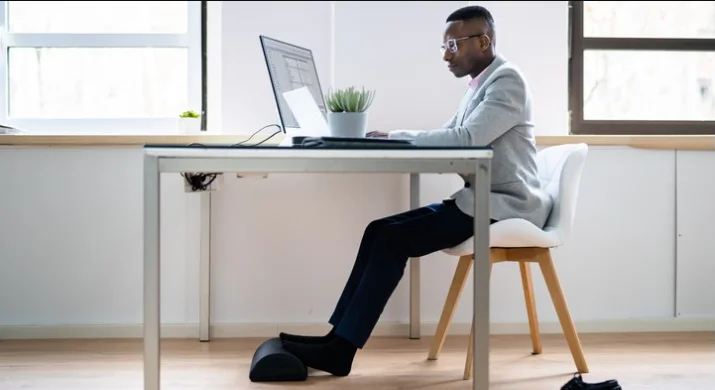
Yes—your feet should touch the floor when you sit, in most cases. Flat, supported feet help your body relax. Your weight spreads evenly through your hips and legs. This reduces strain on your lower back and keeps blood flowing in your legs. When feet dangle, you tend to slide forward or round your back. That can make long hours feel rough.
In this guide, you’ll learn why foot placement matters, what happens when feet aren’t supported, and when to use a footrest. You’ll also get simple steps to set your chair so your feet rest well. Small changes can improve comfort fast.

Should Your Feet Touch the Floor When Sitting?
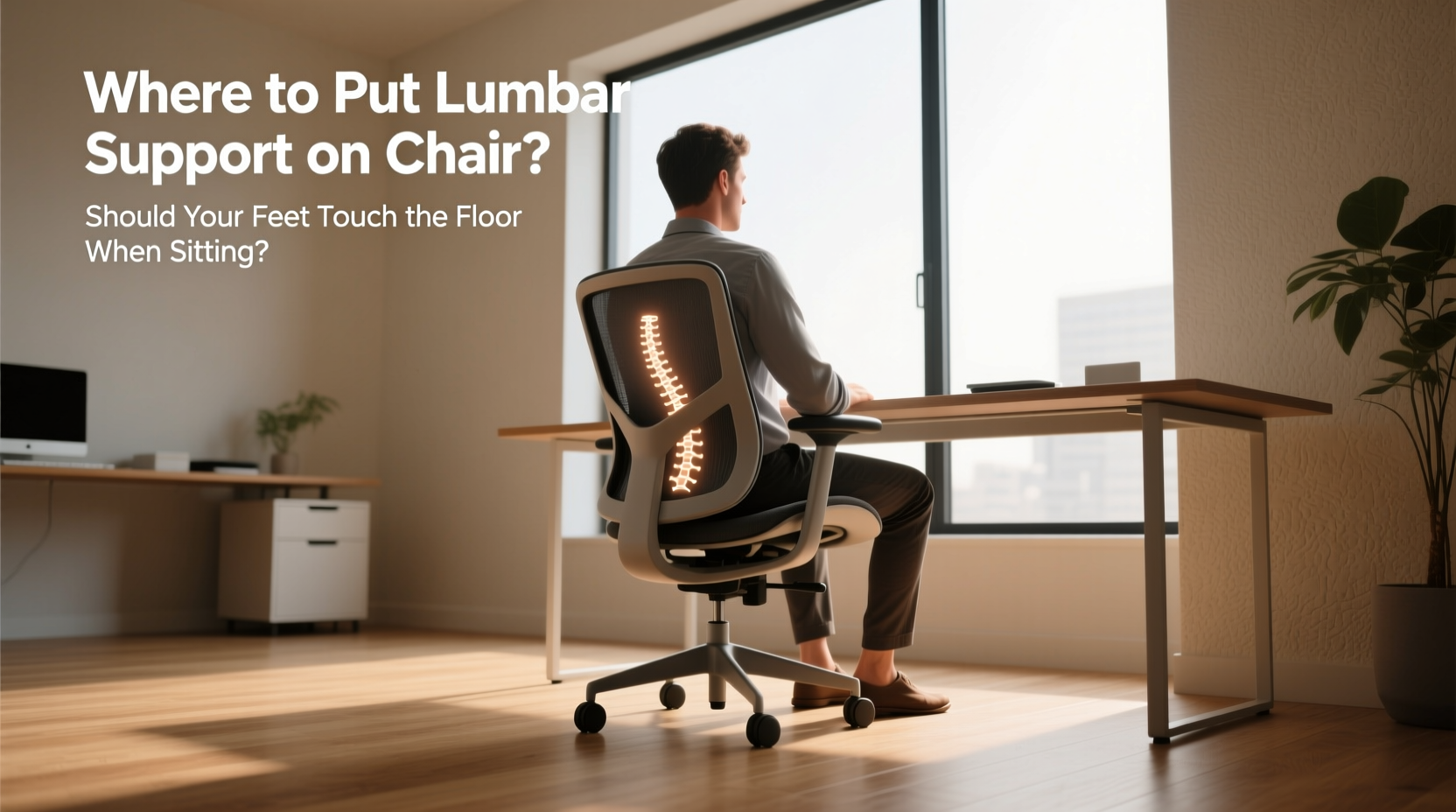
Your feet should rest flat on the floor or on a stable footrest. This supports your legs, aligns your hips and spine, and reduces pressure on the back of your thighs. It’s a key part of ergonomic sitting posture and helps your whole body stay balanced.
What Happens If Your Feet Don’t Touch the Floor?
When your feet don’t reach the floor, the chair’s front edge presses into your thighs. That pressure can slow blood flow. Your legs may feel heavy, tingly, or tired. You might also fidget more as your body looks for support.
Over time, you may slide to the chair’s edge. This shifts strain to your lower back. Your spine may round, your shoulders may tense, and your neck may lean forward. Poor desk sitting posture often starts with unsupported feet while sitting.
Watch for quick signs:
- Numb toes or cold feet after an hour
- Deep marks on the back of your thighs
- Hips sliding forward to “find” the floor
These cues mean your chair is too high, or you need a footrest.
Is It Bad to Sit With Feet Dangling?
Feet dangling while sitting puts extra load on your thighs and lower back. It often feels fine for a short time. But discomfort tends to build. You may notice tight hamstrings, tingling, or a sore tailbone after long sessions.
Shorter users are most affected, especially at shared workstations with tall chairs and fixed-height desks. High counters and bar-height setups also create this problem. If your feet swing or hover, your body must work harder to stay stable.
Here’s a simple rule: if your feet can’t rest with your knees at or slightly below hip level, the setup needs a change. Aim for a gentle knee angle and even weight through the seat.
When Should You Use a Footrest While Sitting?
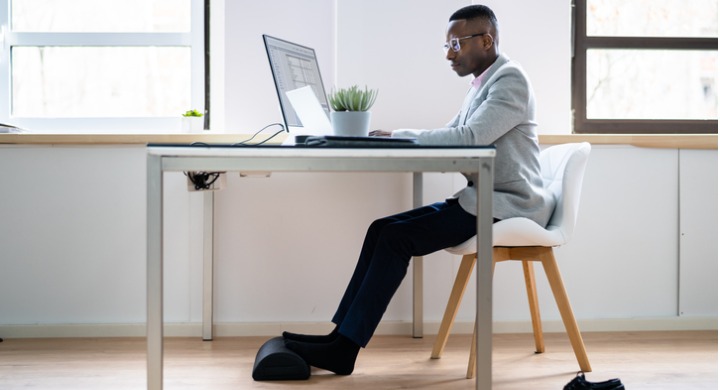
Use a footrest when the desk is too high and the chair must be raised to reach the keyboard. In that case, your feet won’t reach the floor. A footrest for desk work fills the gap and supports your legs. It also helps if your chair’s lowest setting still leaves your heels floating.
A footrest is also helpful during long sitting hours. It lets you shift leg angles through the day, which boosts sitting comfort at work. If you share a workstation, a footrest offers quick, flexible support for different users.
Real-life desk example: Mia works at a fixed-height desk that sits a bit tall. She raised her chair so her elbows line up with the desk. Her feet dangled. She added a simple angled footrest. Now her heels rest, her thighs feel light, and her lower back stays calm through the afternoon.
How to Adjust Chair Height So Your Feet Rest Properly
Follow these steps to set a proper chair height and foot support that feels stable and relaxed. You’ll reduce pressure on your thighs and keep your spine in a neutral line.
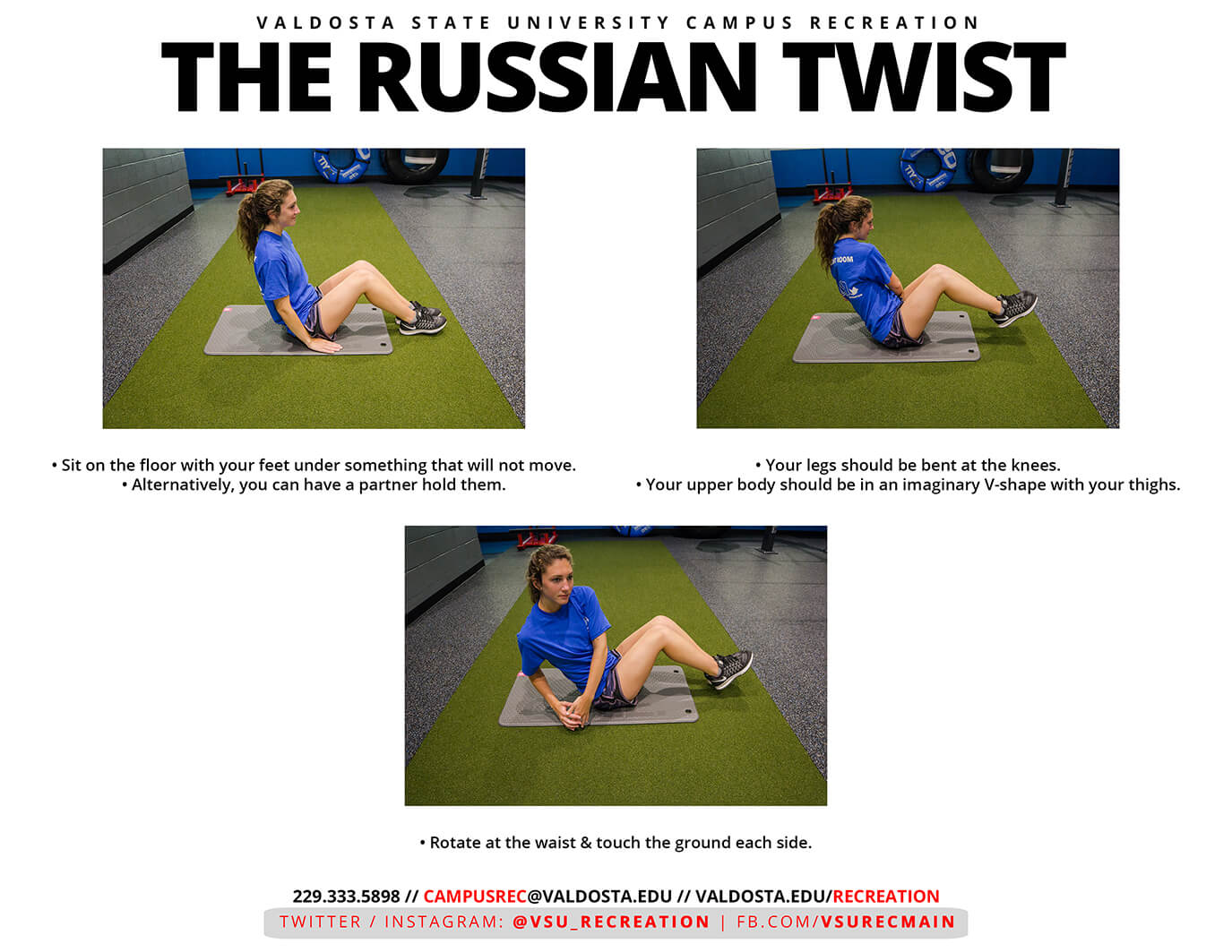
- Stand in front of the chair. Set the seat so it hits just below your kneecap.
- Sit back, hips to the backrest. Keep your back supported.
- Place your feet flat on the floor. Heels under or slightly forward of your knees.
- Check your knees. They should be at or slightly below hip level.
- Raise or lower the seat until your thighs feel light and the seat edge does not dig in.
- Set desk and keyboard height so your elbows bend near 90 degrees.
- If the desk is too high, keep the chair raised for your arms and add a footrest.
- Try a small angle change: tilt the seat or footrest a bit for comfort.
- Test for 5 minutes. If you fidget or slide, re-check height and foot support.
Short list of quick wins:
- Keep both feet supported and flat
- Nudge the seat depth so 2–3 fingers fit behind your knees
- Shift foot position every 20–30 minutes
If you can’t get both floor contact and arm comfort, use a footrest. This improves balance and reduces strain. Footrest supports ergonomic sitting posture without a full workstation overhaul.
Definition: Proper foot support means your heels and forefoot rest on a stable surface, your knees align with or slightly below your hips, and your weight spreads across the seat without thigh pressure. This setup encourages natural spinal alignment and reduces fatigue.
Remember to avoid perching at the seat edge. Sit back and let the backrest help. Keep your monitor high enough so you do not hunch. Small workspace tweaks make a big difference in daily comfort.
Also, watch for these common mistakes:
- Chair too high: feet hover, thighs compress
- Chair too low: knees jam upward, hips tuck under
- Footrest too far: ankles strain to reach
Your goal is calm, even support. Your feet anchor your posture. When they rest well, your neck and shoulders relax. This improves focus and reduces the urge to shift all day.
If you still feel pressure, try a thicker footrest pad, or raise the footrest height slightly. If your seat pan is long and hits your calves, shorten the seat depth. These small changes work together. The result is a balanced ergonomic setup and better desk sitting posture.
Conclusion
Supported feet matter more than many people think. They protect your legs from pressure, help your spine stay neutral, and make long work sessions easier. Aim for floor contact or use a simple footrest. Set your chair for proper chair height, then fine-tune desk and monitor positions. These quick adjustments reduce fatigue and help you feel steady and focused. With stable feet and a relaxed body, you can work longer with less strain.


